
Keeper Review: What the Family Plan Includes, and What Keeper Sells Separately
Keeper markets itself on security, and reviews tend to follow that lead: encryption model, certifications, audits, a verdict. But deciding what to buy also requires checking the exact features and extra charges that come with each plan.
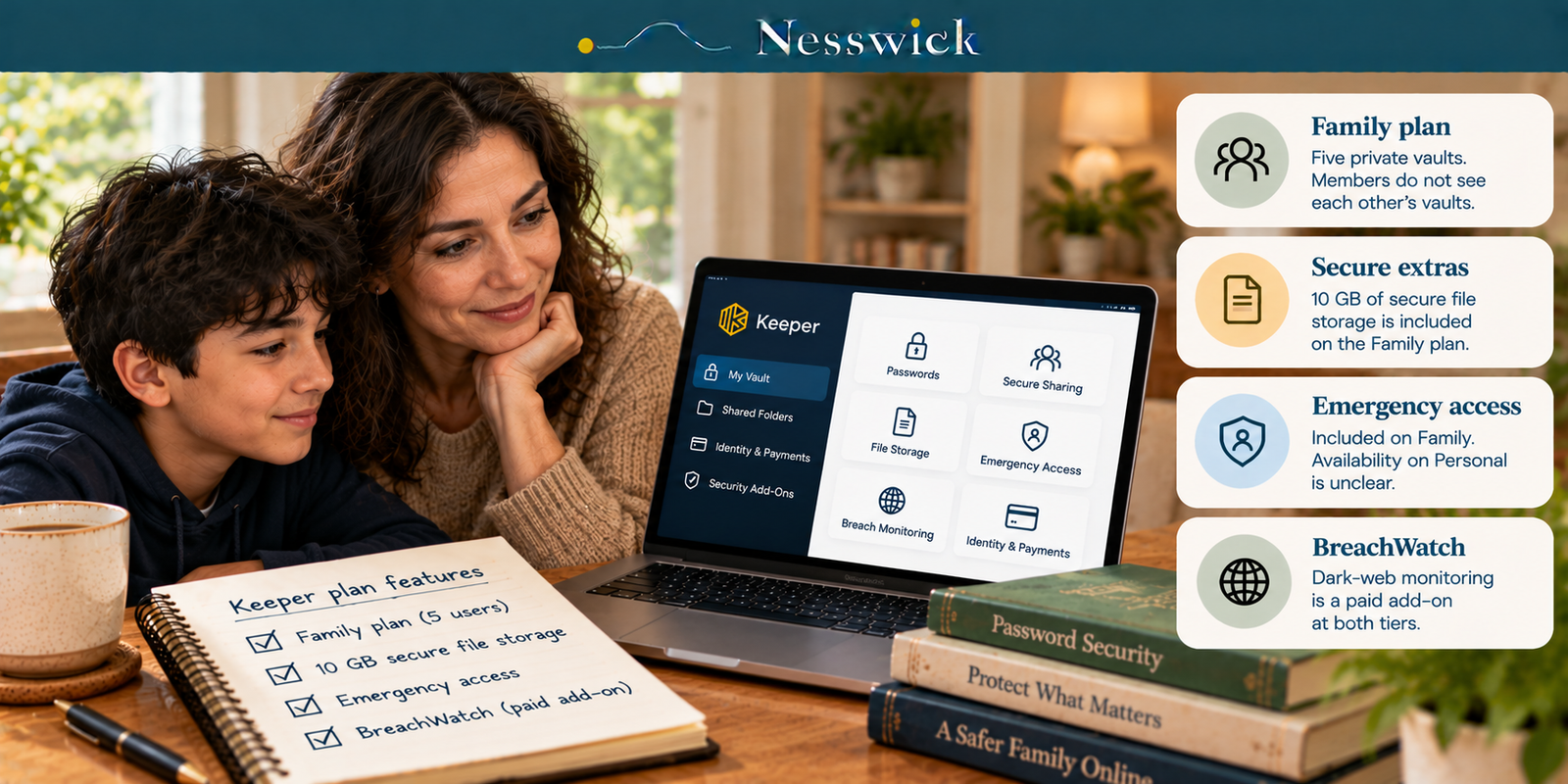
Two details deserve particular attention. Keeper Family lists five users and 10 GB of secure file storage. BreachWatch, Keeper’s dark-web monitoring, appears separately among add-ons. Emergency access requires closer inspection because Keeper’s public pricing page presents inconsistent information about the Personal plan.
This is a research-based assessment. Nesswick has not purchased, installed or tested Keeper. Plan details were checked against publicly accessible provider information on October 13, 2026. Numerical US checkout prices were not reliably available from the public pricing page, so this article does not state current Keeper subscription prices.
The two plans
| Feature | Personal / Unlimited | Family |
|---|---|---|
| Users | 1 | 5 |
| Password storage | Unlimited | Unlimited |
| Devices and sync | Unlimited | Unlimited |
| Secure sharing | Secure password sharing | Sharing, shared folders and permissions |
| Identity and payment records | Unlimited | Unlimited |
| Secure file storage | Available as an add-on | 10 GB included |
| Emergency access | Provider’s main feature list and FAQ differ | Listed under Family features |
| Support | 24/7 | 24/7 |
Both tiers list biometric login, a web app and browser extensions. Family provides five private vaults. Family members do not automatically see one another’s vaults; sharing is deliberate.
The add-on line
BreachWatch, Keeper’s dark-web monitoring service, appears under add-ons for Personal and Family. It should not be treated as part of either base plan unless the specific offer explicitly includes it. Keeper also advertises bundles, so check what is included in the offer presented at checkout.
Additional secure file storage is available separately. Family lists 10 GB in the base feature set. When comparing subscriptions, include the cost of any extra features or capacity you actually intend to buy, not just a headline subscription fee.
What Personal gives one person
Keeper Personal lists unlimited password storage, unlimited devices with sync, secure sharing, biometric login, identity and payment records, browser extensions, a web app and 24/7 support. These are substantial capabilities for one person.
There is an important qualification for emergency access: Keeper’s pricing-page FAQ refers to the feature under Keeper Unlimited, while the main Personal feature list omits it. The public page therefore does not consistently establish eligibility. If emergency access matters to your purchase, ask Keeper for confirmation of the exact subscription entitlement and setup requirements.
What Family adds, and who it is for
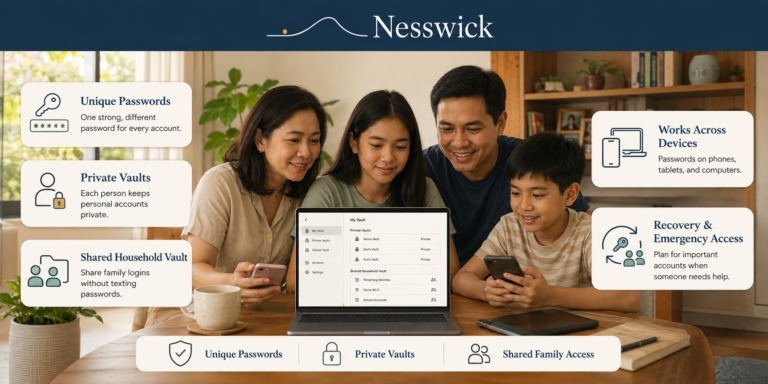
Family’s clearly listed benefits are five private user vaults, managed sharing with folders and permissions, and 10 GB of encrypted file storage. These can help households share selected accounts without giving everyone access to each other’s private vaults.
Keeper also lists emergency access under Family, describing it in an estate-planning context. It can be valuable when planning for illness or incapacity, but the conflicting Personal documentation means it should not be described as Family-exclusive.
Shared folders can organize utility or household accounts while leaving unrelated records private. The included file-storage allowance can be useful for sensitive documents, depending on your needs.
Passkeys, sharing and recovery
Keeper documents passkey management on supported mobile devices and through its web vault and browser extensions, including major desktop browsers. Check the exact platform and subscription you plan to use if this capability is decisive.
Sharing is available on both tiers, with Family emphasizing shared-folder administration. As with any zero-knowledge password manager, access recovery depends on which supported recovery mechanisms have been configured and remain available. Set up an applicable recovery route in advance; do not assume support can decrypt a vault without the required recovery mechanism.
Reading the security claims
Keeper publishes its encryption model and information about certifications and external assessments. These offer evidence of documented controls and scrutiny, not a guarantee that compromise is impossible. Their scope and date matter.
Practical protection also depends on a strong master password, multi-factor authentication and suitable recovery setup. Nesswick has not audited Keeper and does not present its security claims as independently verified.
When paying for Keeper makes sense
Keeper Family is worth considering if your household needs several private vaults, organized sharing and included encrypted file storage. Its value depends on the price and bundle terms shown at checkout, which can differ from an advertised starting offer.
Keeper Personal provides a substantial range of single-user features. Compare its actual checkout price with alternatives and check whether any feature important to you needs an add-on. Bitwarden Premium, for example, was listed at $19.80 per year on Bitwarden’s pricing page when checked on October 13, 2026. The two products should not be assumed to have identical features.
If you are unsure whether you need a paid plan, a capable free password manager may be enough. Read Best Free Password Manager and When to Upgrade for the situations that make an upgrade worthwhile.
Where this review stops
Nesswick has not purchased, installed or used Keeper. We make no hands-on claims about autofill reliability, usability, extension behavior or support responsiveness. We have not independently audited Keeper’s security model or certifications. No password manager is described here as unhackable or definitively safest.

Related Resources
Keeper – Official Personal and Family Pricing
official pricing page
Keeper – Passkey Management Documentation
official product documentation
Affiliate Disclosure
Current relationship: Nesswick does not currently use affiliate links in this article. Product and service references are included for editorial purposes.
Sources and Methodology
This research-based review was prepared without purchasing, installing or running Keeper. Features and add-on descriptions were checked against Keeper’s official public pricing page on October 13, 2026; passkey details were taken from Keeper’s product documentation. Current numeric US Keeper subscription prices could not be reliably established from the publicly accessible page, and the site’s FAQ and primary comparison list differ on Personal emergency access. Accordingly, no numeric Keeper price or exclusive emergency-access claim is made. The Bitwarden comparison price was checked against its official pricing page. Confirm the final plan, any add-ons, promotional and renewal terms, and critical entitlements directly with the provider before subscribing.
Last reviewed: October 13, 2026.