
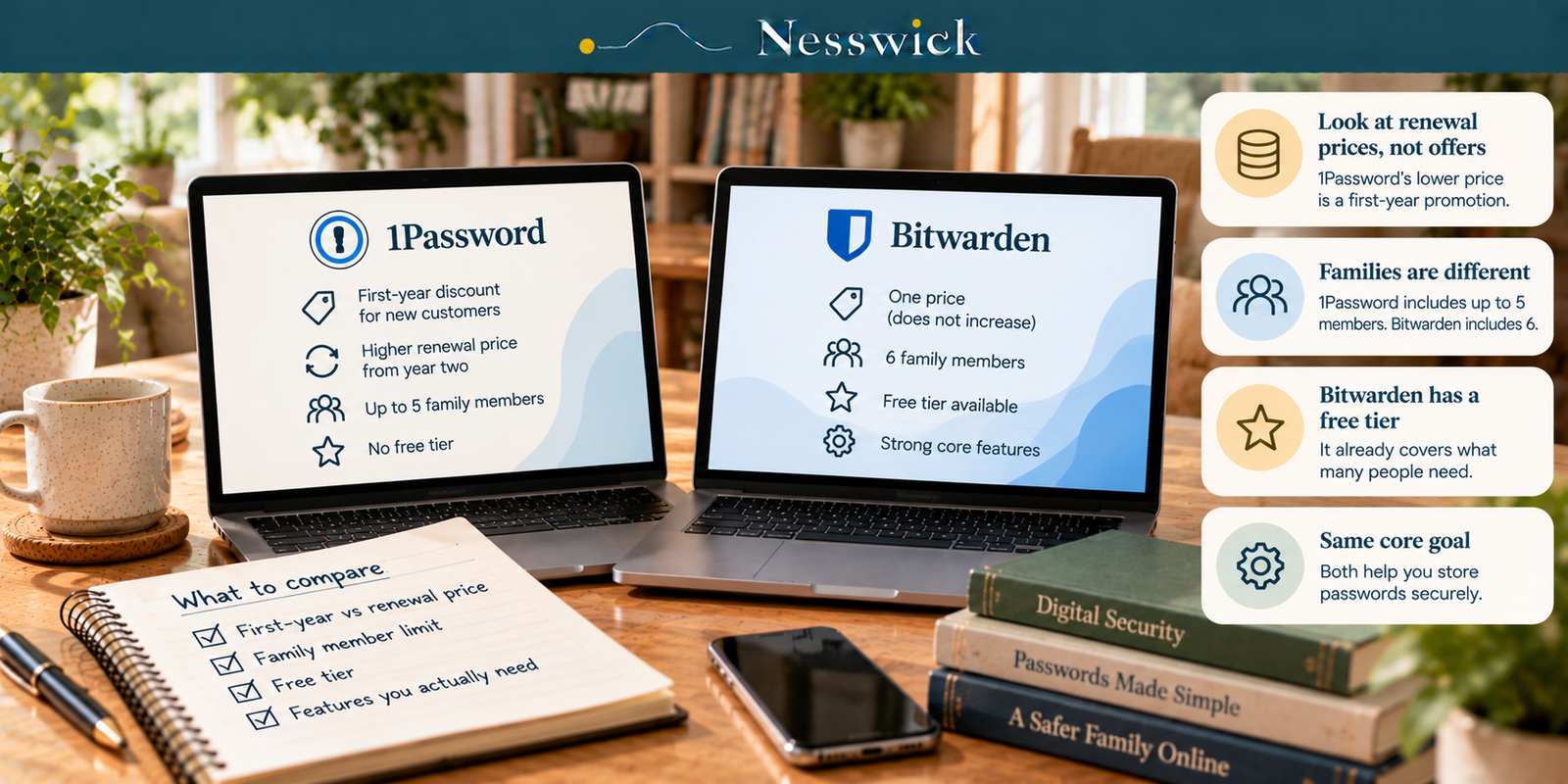
1Password vs Bitwarden: Compare the Renewal Prices, Not the Offers
The useful comparison is not the lowest number in an advertisement. It is what you will pay for the plan you actually need, how many people it covers, and how you would recover access when something goes wrong.
1Password currently advertises first-year promotional prices for eligible new customers buying directly from 1Password with annual billing. Its displayed standard annual rates are higher. Bitwarden currently displays annual Premium and Families prices without an introductory discount on its public pricing page. Neither provider promises that its price can never change. Nesswick has not purchased or tested either service.
The pricing comparison, in numbers
US dollar prices shown on official provider pages on October 11, 2026. 1Password figures are monthly equivalents billed annually; its promotional prices apply to eligible new direct customers for the first year only. Tax and future price changes are not included.
| Individual plan | First year, annual billing | Displayed standard annual rate | Free tier |
|---|---|---|---|
| 1Password Individual | $2.99/mo = $35.88/year | $3.99/mo = $47.88/year | No permanent free plan; 14-day trial |
| Bitwarden Premium | $1.65/mo = $19.80/year | $19.80/year currently shown | Separate free plan available |
| Household plan | First year, annual billing | Displayed standard annual rate | Included users |
|---|---|---|---|
| 1Password Families | $4.49/mo = $53.88/year | $5.99/mo = $71.88/year | 5 included users |
| Bitwarden Families | $3.99/mo = $47.88/year | $47.88/year currently shown | 6 users |
At currently displayed standard annual rates, 1Password Families costs $24.00 more per year than Bitwarden Families ($71.88 versus $47.88), or about 50.1% more, with five included users versus six. At full capacity, that is about $14.38 per included 1Password user versus $7.98 per Bitwarden user, about 80.2% more per person. These per-user figures assume every included seat is used; they are not per-seat charges.
For one person, the standard 1Password Individual rate of $47.88 is about 2.42 times Bitwarden Premium at $19.80. In the first year, 1Password Families at $53.88 costs $6.00 more than Bitwarden Families at $47.88. These are arithmetic comparisons, not predictions of future renewal charges. Check the rate shown at checkout and before renewal.
What each price actually buys
Bitwarden Free provides unlimited saved items and access across devices, with passkey support. Two people can share selected items by creating a free two-person organization with up to two collections; that is distinct from a single personal vault. Bitwarden Premium adds features including integrated authenticator codes, emergency access, encrypted file attachments and vault health reports. Bitwarden Families provides premium features for up to six members and more extensive organization sharing.
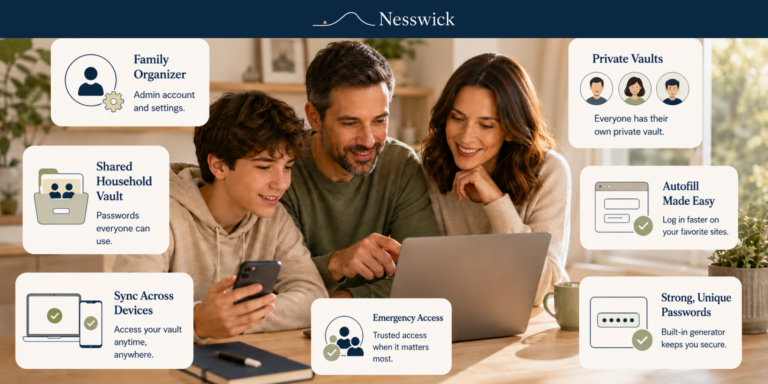
1Password Individual provides password generation, autosave and autofill, use across supported devices, secure item sharing even with nonusers, and alerts about weak or compromised credentials. 1Password Families includes five users, shared vaults and organizer controls. 1Password advertises a 14-day trial for its personal plans. Bitwarden advertises a Families trial; its duration should be confirmed at sign-up.
Household size matters
For a household of six, Bitwarden Families includes six accounts in its listed price, while 1Password Families includes five. 1Password may offer ways to add additional people at an extra charge; do not assume a sixth user is included in the base rate. For two or three people, member limits may matter less than recovery arrangements, sharing needs and total annual cost.
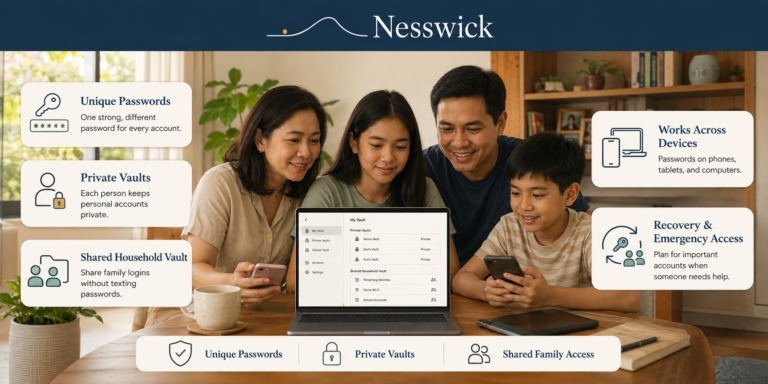
Our related guide, How to Set Up a Family Password Manager, explains organizer accounts and shared vaults.
Recovery, sharing and who can get in
In 1Password Families, a family organizer can initiate recovery for another member. The person recovering receives a new Secret Key and creates a new account password; recovery does not mean the organizer can silently read that person’s private vault. 1Password also documents self-service recovery codes, so organizer-assisted recovery is not the only possible route.
Bitwarden Emergency Access allows an eligible premium account holder to designate trusted Bitwarden contacts in advance. A trusted contact can request access, and a waiting period applies unless the account holder approves sooner; the owner may reject the request during the wait. The granted access may be view or takeover access, depending on what was configured. A trusted contact may have a free account, but setting up Emergency Access requires Premium or an eligible paid organization plan. Bitwarden Free does not include that built-in premium emergency-access feature; users can still prepare other recovery safeguards.
On sharing, 1Password can securely send an item to someone who does not use 1Password. Bitwarden Free supports sharing with one other person through a free organization, not by simply granting another person access to the private personal vault. Both products support storing and using passkeys.
Before you pay either of them
For one person with straightforward needs, Bitwarden Free may be sufficient. A browser’s built-in password manager can also be preferable to reusing passwords, though its features and portability differ by browser. Consider whether you actually need family sharing, premium authenticator tools, encrypted attachments or emergency access before paying.
Related Nesswick guides: Best Free Password Manager and When to Upgrade and Password Managers for Seniors: Which Ones Let a Trusted Person Get In.
Choosing
Bitwarden may fit if low annual cost matters, you need six included household users, you want a substantial free option, or you prefer to configure trusted-contact emergency access in advance on a paid plan.
1Password may fit if you value organizer-assisted family recovery, frequently share items with people who do not use a password manager, or already use it and prefer not to switch. Budget for the displayed standard annual rate after an introductory offer, subject to the renewal terms applicable to your account.
Neither paid plan may be necessary if a free account meets your needs. If a password has been exposed, change it and secure the affected account promptly; see What to Do If Your Password Is Leaked in a Data Breach.
What this comparison does not claim
Nesswick did not purchase, operate or test either product. We cannot compare real-world autofill reliability, interface quality, app speed or support response times. Price does not establish that one product is inherently more secure than the other. This is a research-based comparison of publicly documented plans, sharing, account recovery and prices.

Related Resources
Affiliate Disclosure
Current relationship: Nesswick does not currently use affiliate links in this article. Product and service references are included for editorial purposes.
Sources and Methodology
This Research-Based Assessment uses official 1Password and Bitwarden pricing and support documentation checked on October 11, 2026. No hands-on testing was performed. Annual totals are the displayed monthly equivalent multiplied by 12 or the provider’s published annual charge. Ratios were recalculated from those totals. The standard rates and listed Bitwarden rates are current published figures, not guarantees of future renewals. The 1Password offer is limited to eligible new customers purchasing directly through 1Password.com for their first year of annual billing, excluding third-party app stores. All comparisons use US dollars and exclude tax.
Last reviewed and verified: October 11, 2026.