
How to Opt Out of BeenVerified
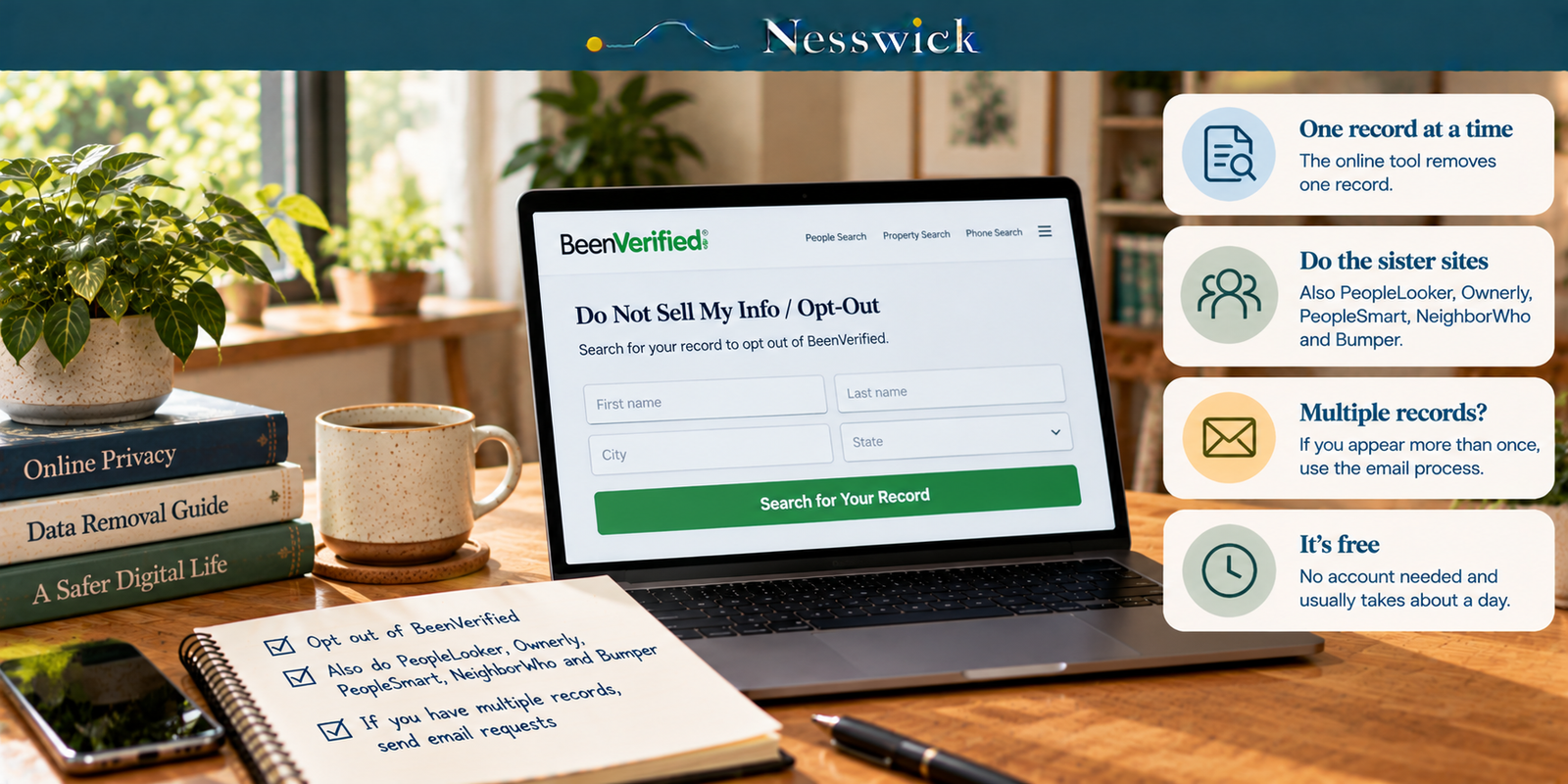
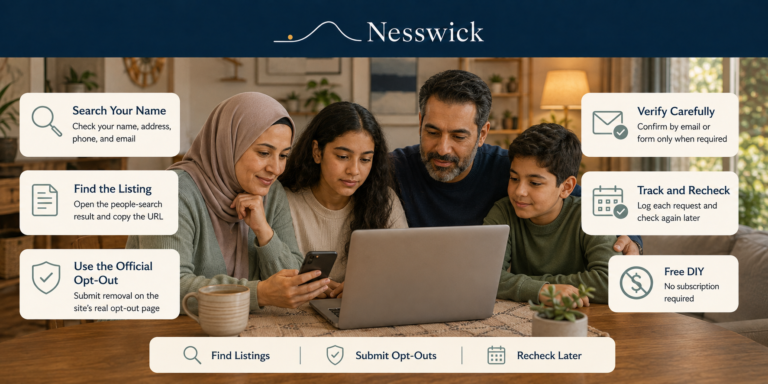
You can opt out of BeenVerified without paying for a removal service. The standard process is to find your record, submit the opt-out, confirm the request through the verification email, and then check that the listing disappears.
One important limitation is that removing a BeenVerified listing does not erase the underlying public records or guarantee that information will never appear again. A new or sufficiently different record can be created later, so it is sensible to check again periodically.
Before you start
Use BeenVerified’s own privacy or opt-out route rather than a third-party form. The current opt-out endpoint is beenverified.com/svc/optout/search/optouts. A human-verification or security check may appear before the search form.
For the standard people-search opt-out, expect to search for your record and provide an email address so BeenVerified can send the verification link. You do not need a paid BeenVerified membership to request removal.
How to opt out of BeenVerified
- Open the official opt-out page. Go to BeenVerified’s opt-out endpoint or reach it through BeenVerified’s privacy information.
- Search for your record. Use the identifying details requested by the form and select the listing that matches you.
- Submit the removal request. Enter the email address requested for verification.
- Open the verification email. Click the confirmation link. The request is not complete until you verify it.
- Save the confirmation. Keep the confirmation email or a note of the date in case you need to follow up.
- Check the result again. BeenVerified has stated that a standard suppression commonly appears after its servers refresh, often within about 24 hours. If you still see the old page, test in a private/incognito window or clear cached browser data before assuming the removal failed.
If you have more than one BeenVerified record
Search carefully for duplicate or variant records. Different spellings, initials, addresses or other combinations of information can result in separate listings. If the online process does not let you clear every matching record, contact BeenVerified’s privacy team at privacy@beenverified.com and identify the remaining listing URLs.
Do not send extra sensitive information unless BeenVerified specifically needs it to verify a privacy request. For the ordinary search-based opt-out, the public process is designed around finding the record and verifying by email.
What about BeenVerified’s sister brands?
BeenVerified is part of The Lifetime Value Co. (LTV). LTV’s current official company material lists a portfolio that includes BeenVerified, NumberGuru, PeopleLooker, NeighborWho, Ownerly, PeopleSmart and Bumper. Some LTV materials also reference additional newer products, so the portfolio can change.
Because brand portfolios and privacy routes can change, check the current LTV brand list and each site’s own privacy page rather than relying on an old domain list.
California residents: use DROP too
California residents can use the state’s free Delete Request and Opt-out Platform (DROP) to send one deletion request to active registered data brokers. Consumers have been able to submit DROP requests since January 1, 2026, and data brokers were required to begin processing them on August 1, 2026.
DROP is ongoing rather than a one-time deletion. After initial processing, participating data brokers must re-check for new matching data at least every 45 days. California says it can take up to 90 days for a consumer to see the initial status updated in DROP.
A DROP request does not guarantee that every record will be deleted. A broker may not find a match, may hold information that is legally exempt, or may retain information that you provided directly to that business. Check your DROP status and follow up with a broker directly when needed.
What removal does – and does not – do
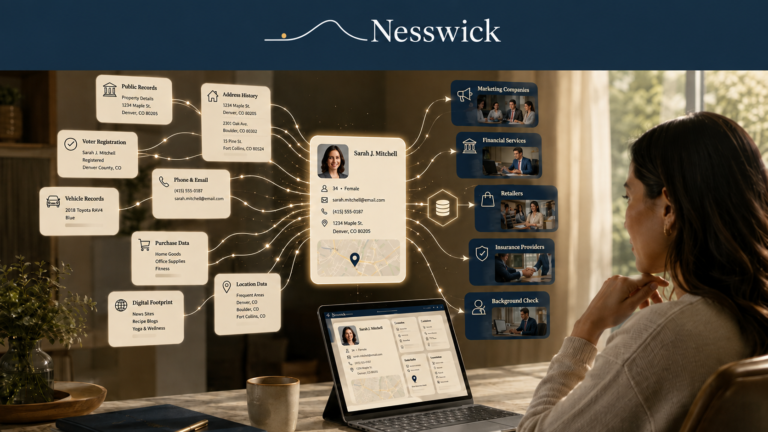
Opting out can reduce the visibility of a people-search listing, but it does not delete the original court, property, voter or other public records from their source. It also does not automatically remove copies held by unrelated websites or prior recipients.
That is why a good removal routine has two parts: submit the opt-out, then verify the result later. If information reappears, repeat the provider’s current privacy process or contact its privacy team.
Doing this for someone else
If you are helping a parent, older relative or another person, do not assume you can submit a request on their behalf without authorization. Privacy-request rules may require proof that you are authorized to act for that person. California DROP allows some requests for another California resident, such as a parent acting for a child or a family member helping an elderly relative, subject to its eligibility and verification process.
Quick questions
Does opting out cost money? The BeenVerified opt-out itself is free. You do not need to buy a BeenVerified subscription or a removal service to submit the standard request.
Does one BeenVerified request remove me from every LTV brand? Do not rely on that assumption. Check each brand where your information appears and use its current privacy route.
What if I have multiple BeenVerified listings? Remove the record available through the online flow, then contact privacy@beenverified.com about additional matching records if needed.
What if the listing still appears? First check in a private/incognito window or clear cached browser data. If the live listing remains after the expected processing period, contact BeenVerified and include the listing URL.

Related Resources

Official company and brand information


Affiliate Disclosure
Current relationship: Nesswick does not currently use affiliate links in this article. Product and service references are included for editorial purposes.
Sources and Methodology
This is an Official-Documentation Guide. Nesswick did not submit a removal request on the reader’s behalf and does not claim hands-on testing. The article was rechecked on October 17, 2026 against current California Privacy Protection Agency guidance, current LTV company information, and current publicly available BeenVerified opt-out information. Provider forms and privacy routes can change, so readers should use the provider’s own current privacy page if a direct path has moved.
Last reviewed and verified: October 17, 2026.