
Password Managers for Seniors: Which Ones Let a Trusted Person Get In
Search for advice on this and most of what comes back ranks password managers by how simple they are. Simplicity is worth something, but it is not the thing that goes wrong.
What goes wrong is access. Someone is in hospital and a bill needs paying. Someone forgets a master password and locks themselves out of forty accounts at once. Someone dies, and their family cannot reach the utility account, the email address every reset link goes to, or the photographs.
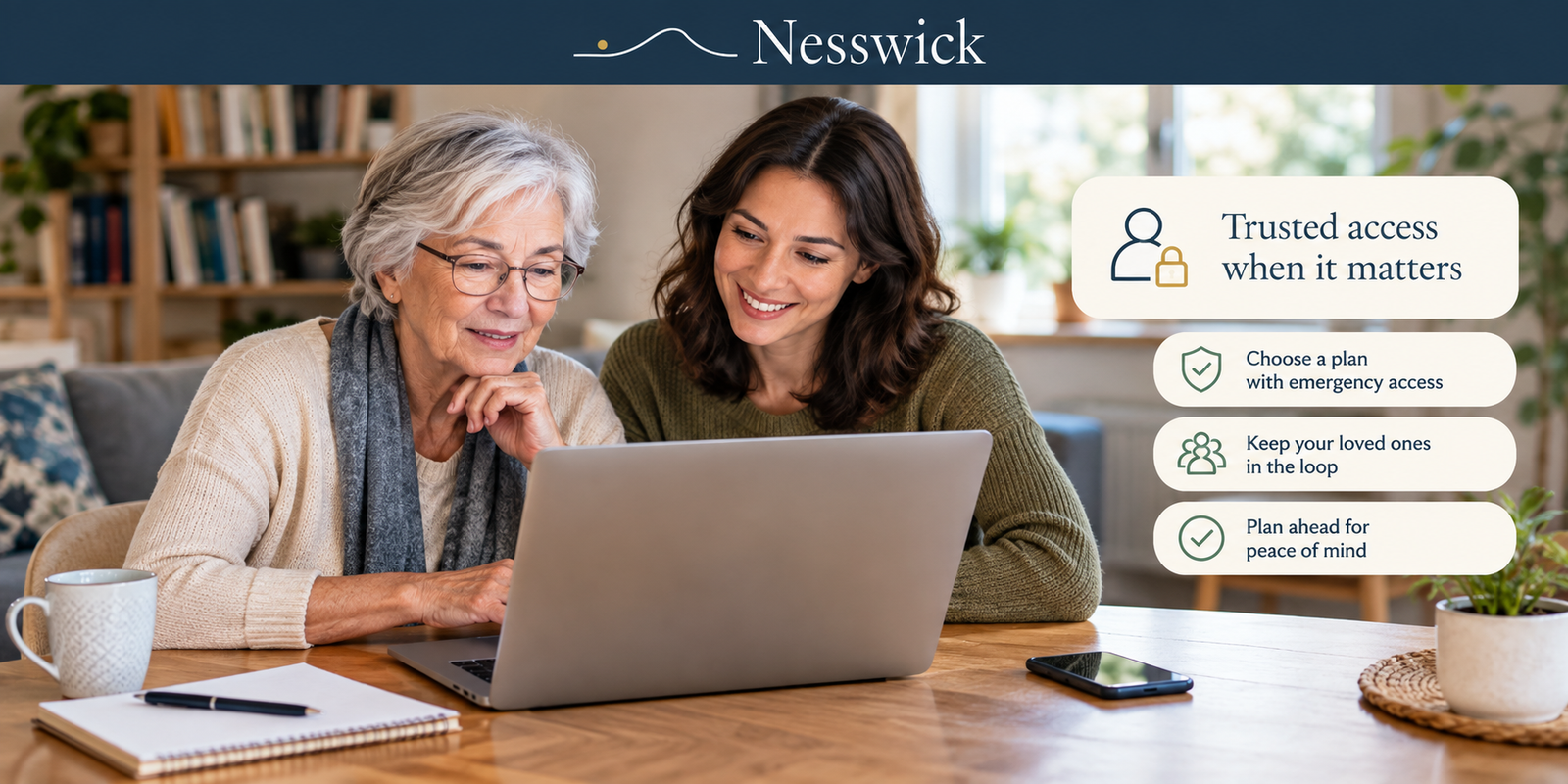
That is the question this page answers: which password managers let a trusted person get in when the account holder cannot, what plan that requires, and what it costs. It is a checkable property, unlike simplicity, and it is the one that decides whether the setup holds up when it is actually needed.
Nothing here assumes an older adult is less capable with technology. Plenty are more careful with passwords than their children. The handover question matters at any age; it is simply asked more often about a parent than about oneself, which is why the search exists.
Nesswick has not purchased or run any of these products. Each price and plan limit below was taken from the provider’s own published pages on the review date given in the methodology note below.
The finding, first
Among the three password managers compared here, none offers a handover mechanism in a free tier.
Bitwarden has a free tier and its Emergency Access is not in it. Keeper has no free tier and gates emergency access to its Family plan, not its cheaper Personal plan. 1Password has no free tier at all.
This matters because the free option is the one many roundup pages reach for. If you set an older relative up on free Bitwarden specifically to avoid a subscription, you have set them up without the feature that the situation you are worried about actually requires. If you are weighing a manager not compared here, the same question is the one worth asking of it: which paid tier, if any, carries the handover mechanism.
What each one offers, and what it costs
| Handover mechanism | In the free tier? | Plan required | Annual cost | Who starts it | |
|---|---|---|---|---|---|
| Bitwarden | Emergency Access | No | Premium, or Families | $19.80 for one person, or $47.88 for six | The trusted contact requests access |
| Keeper | “Emergency access for estate planning” | No free tier | Family only, not Personal | $91.99 for five users | Set up in advance by the account holder |
| 1Password | Family organiser account recovery | No free tier | Families | $71.88 standard, five members | The family organiser initiates recovery |
Two things fall out of that table.
Bitwarden Premium at $19.80 a year is by a wide margin the cheapest route to a handover mechanism. For one older adult who does not need to be part of a family plan, nothing else is close.
Keeper’s cheaper plan does not have it. Keeper Personal at $42.99 a year is more than twice the price of Bitwarden Premium and does not include emergency access; that arrives only on Keeper Family at $91.99. If emergency access is why you are looking at Keeper, the $42.99 plan is not the one.
1Password’s figure above is its standard price. Its advertised rate is a first-year promotion for new customers, so budget the $71.88.
How each handover actually works
The mechanisms are not the same, and the differences matter for how it feels to the person being helped.
Bitwarden’s Emergency Access works by nominating another Bitwarden user, in Bitwarden’s own wording, as an “emergency contact” who can request entry to the vault. The trusted person makes a request; the account holder has a window in which to decline it; if they do not respond, access is granted. That design suits someone who wants a safety net without handing anyone standing authority. The trusted person also needs their own Bitwarden account.
Keeper’s emergency access is framed around estate planning and is set up in advance by the account holder, nominating who should receive access.
1Password’s model is different in kind. It is account recovery rather than vault access: a family organiser with admin rights can help a member who is locked out regain entry to their own account. That is the right tool for the forgotten-master-password case and it puts a named person permanently in the helping role.
So: Bitwarden and Keeper are answers to “what if I cannot”, and 1Password’s organiser recovery is an answer to “I am locked out and need help now”. If both situations concern you, a family plan covers both, which is part of why the family tiers cost more.
What stays private while the person is fine
This is the objection worth taking seriously. Setting up a handover should not mean handing over a life.
In all three products, the trusted person cannot browse the vault at will. Bitwarden’s access is triggered by a request and a waiting period, not by the contact simply logging in. Keeper is explicit on the point: “family members cannot access each other’s vaults”. A shared plan is not shared sight of what is in the vaults. 1Password’s organiser can help someone recover their account, which is not the same as reading what is in it.
That is the honest answer to the privacy concern: a handover mechanism is a defined event, not an open door. The person keeps their privacy while they are managing fine, and the arrangement only becomes access when it is needed.
It is still worth saying out loud rather than arranging quietly. An older adult who has agreed to the arrangement will remember it exists; one who has not will experience the access request as a stranger at the door.
When free is genuinely enough
Do not buy a subscription because of a hypothetical.
If the person manages their own accounts comfortably, has written their recovery information down somewhere sensible and told someone where it is, and there is no particular reason to expect a sudden loss of access, a free password manager plus a sealed envelope in a safe place is a reasonable arrangement. Bitwarden’s free tier is a genuinely good product and covers unlimited passwords across unlimited devices.
Paper is not a joke here. A recovery code written down and stored securely at home is outside the reach of anyone who is not in the house, which is a real security property.
The case for paying gets stronger when the person is already relying on someone else for other administration, when there is a documented health situation making a sudden handover foreseeable, or when the accounts include things a family would genuinely struggle to reach otherwise.
Setting it up so it survives
Whichever route you take, three things determine whether it works when it is needed.
The trusted person needs their own account. Emergency access on Bitwarden requires the contact to be a Bitwarden user. Setting this up on the day of a crisis is not possible.
Test it once. Run the request, see what the notification looks like, and confirm the timing. An untested emergency mechanism is a plan, not a safeguard.
Write down what happens next. Where the recovery codes are, who the emergency contact is, and which email address the accounts are anchored to. If the plan is shared with the rest of the family, setting up a family password manager walks through the organiser account and vault structure, and password manager benefits for families explains why a shared arrangement is worth the effort at all.
If the older adult in question is being helped with money or accounts more generally, our guide to protecting elderly parents from scams covers the wider conversation, and it is a better place to start than a subscription.
What this page does not claim
Nesswick has not used any of these products. We make no claim about which is easiest to learn, which has clearer text, which autofills more reliably, or which support team is more patient. Those are exactly the properties the roundups rank on and exactly the properties documentation cannot establish. Where a page ranks products on ease of use without saying how it measured it, that ranking is an opinion.
We also make no assumption about anyone’s technical ability based on their age. The handover question is worth answering for a fifty-year-old with a complicated medical history and irrelevant for an eighty-year-old in good health who has managed their own affairs for six decades. It is a circumstances question, not an age one.
Nothing here says a paid manager is more secure than a free one. What the paid tiers buy, in this specific case, is a way in for someone else. If nobody needs one, they buy nothing worth having.

Related Resources
Affiliate Disclosure
Current relationship: Nesswick does not currently use affiliate links in this article. Product and service references are included for editorial purposes.
Sources and Methodology
This guide was prepared without purchasing, installing or running any of the products described. Every plan name, price, member count and emergency-access condition was read directly from Bitwarden’s, Keeper’s and 1Password’s own current pages on the review date below, with 1Password’s page set to USD, and its standard rather than promotional rate used because the provider states promotions apply to new customers for the first year only. Annual totals are the provider’s own stated monthly rate multiplied by twelve. This page deliberately does not rank products on ease of use, simplicity or suitability for older adults, because those are subjective properties Nesswick has not measured and could not measure from documentation. It makes no assumption about anyone’s technical ability on the basis of age. No product is described as more secure than another on the basis of price. Pricing and feature gating change, and whether emergency access remains outside the free tiers is the claim most worth rechecking; confirm current terms with each provider before subscribing.
Last reviewed and verified: September 7, 2026.