
Best Free Cloud Storage and When It’s Worth Paying
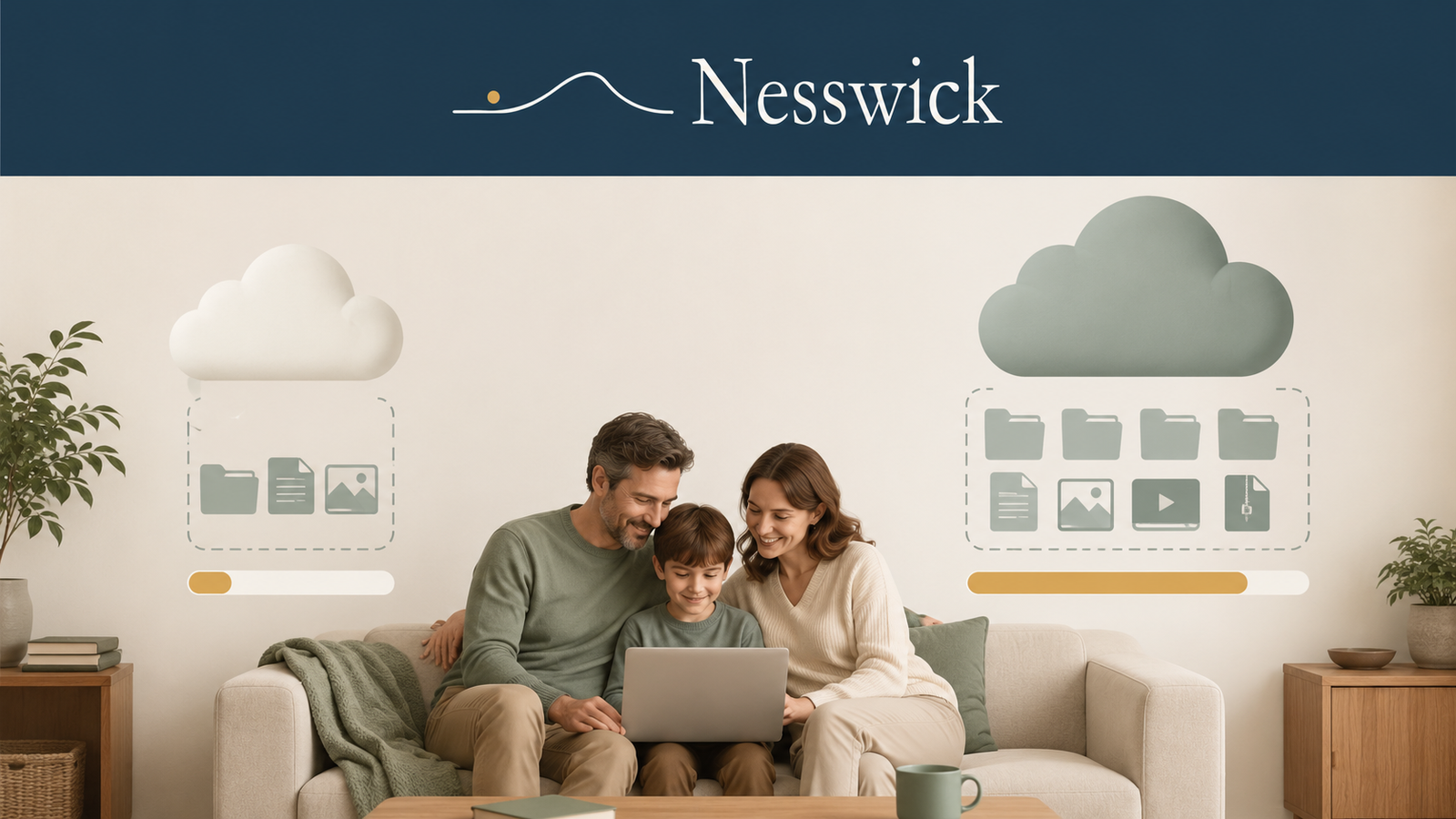
Free cloud storage is one of the quiet conveniences of modern life. It holds your documents, keeps your photos within reach on every device, and asks nothing beyond signing up. For a great many people, a free tier is all they need. But one idea is worth getting straight before you decide anything, because misunderstanding it is how people lose files they thought were safe: cloud storage is not the same as a backup. Once that clicks, choosing between a free tier and a paid plan becomes refreshingly simple.
A note on the word best: here it means the best-documented free options for particular needs, based on each provider’s own published facts. It does not mean the fastest, the most reliable, or the nicest to use, because judging those fairly would require hands-on testing that Nesswick did not perform. Our approach follows the evidence-based standards described in our How We Test and Editorial Policy pages.
The short answer, and how much free storage you get
Free tiers vary more than people expect, and a couple of them are shared with other services in ways that are easy to miss.
Google Drive includes 15 GB of free storage. Google states that this is shared across Drive, Gmail, and Google Photos, rather than providing 15 GB for each service.
Microsoft’s free allowance is 5 GB. Microsoft’s storage FAQ states that this allowance is shared across OneDrive files and photos, Outlook.com email attachments, and other Microsoft 365 apps. It is separate from the 15 GB of Outlook.com mailbox storage, which is a different pool.
Apple gives every iCloud account 5 GB free. Dropbox Basic offers 2 GB and is built around synchronization rather than bulk storage. Sync.com and Proton Drive each offer 5 GB free, with strong encryption applied by default according to the companies’ documentation.
MEGA’s free plan includes 20 GB of storage, which MEGA lists as free forever.
pCloud advertises up to 10 GB of free storage. Some of that allowance is unlocked by completing account setup steps, and additional space can be earned through successful referrals. The complete 10 GB is not automatically available at signup.
Free allowances can fill faster than people expect, especially once video enters the picture. A few years of phone photos and clips can use far more space than a collection of documents, so do not assume a small free tier will hold your entire library indefinitely.
If your files fit within one of these tiers and you keep a genuine backup somewhere separate, free storage is often enough. Paying becomes worthwhile mainly when you outgrow the available space or need something a free tier does not provide, such as default zero-knowledge privacy or shared family storage.
Storage is not a backup, and neither is sync
This distinction can prevent real, avoidable data loss.
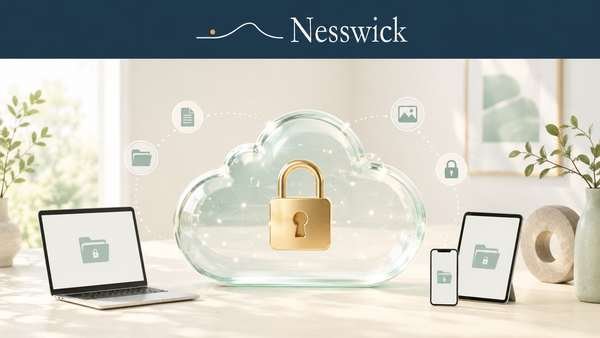
Cloud storage keeps your files on a provider’s servers so you can reach them from different devices. Synchronization makes a folder look the same on your laptop, phone, and other connected devices by mirroring changes between them.
That mirroring is what makes synchronization convenient, but it is also why sync is not a complete safety net. If you delete a file, a file becomes corrupted, or ransomware encrypts your documents, synchronization can copy that unwanted change across your connected devices.
A backup is a separate, protected copy of your files kept apart from your primary system. It is intended to help you recover after deletion, corruption, ransomware, device failure, or the loss of an account.
CISA, the United States Cybersecurity and Infrastructure Security Agency, describes a backup as a secure copy of data stored separately from the primary system so it can be restored after an incident.
Treating a synchronized cloud folder as a complete backup is a common and potentially costly mistake. Our Backups section explains the distinction in greater depth.
Many cloud-storage services keep deleted files in a trash or version-history window for a limited period. This can sometimes help you recover a recent mistake, but retention periods vary by provider and plan. They are not indefinite and should not replace a genuine backup.
Free tiers compared
The table below presents documented provider information rather than a ranking based on hands-on performance testing.
| Service | Free storage | Encryption stance as documented |
|---|---|---|
| Google Drive | 15 GB, shared with Gmail and Google Photos | Standard encryption in transit and at rest; not end-to-end encrypted by default |
| Microsoft OneDrive | 5 GB, shared with Outlook.com attachments and Microsoft 365 apps | Standard encryption in transit and at rest; not end-to-end encrypted by default |
| Apple iCloud | 5 GB | Standard protection by default; end-to-end encryption for most iCloud data is available through optional Advanced Data Protection |
| Dropbox Basic | 2 GB | Standard encryption on Dropbox Basic; end-to-end encrypted team folders are available on certain eligible business plans, not on the free Basic plan |
| Sync.com | 5 GB | End-to-end encryption by default, according to Sync.com |
| Proton Drive | 5 GB | End-to-end encryption by default, according to Proton |
| MEGA | 20 GB base allowance, according to MEGA | End-to-end, zero-knowledge encryption by default, according to MEGA |
| pCloud | Up to 10 GB; account steps and successful referrals may be required to unlock the full allowance | Standard encryption by default; zero-knowledge protection is available through the separate, paid pCloud Encryption feature |
For everyday documents and a light photo collection, several of these free tiers may be large enough. Free allowances vary widely between providers, so check each provider’s current official plan details before relying on a specific figure.
What paying gets you
When you outgrow a free tier, be clear about what you are paying for. Paid storage is usually about capacity, convenience, privacy, or household sharing. Paying does not automatically turn cloud storage into a backup.
Paid plans may provide more storage, smoother use across several devices, household sharing, or stronger privacy features.
pCloud Premium, for example, provides substantially more storage than the free tier. Its optional pCloud Encryption feature is intended for users who specifically want zero-knowledge folders.
For dedicated backup rather than everyday synchronization, a service designed for that purpose, such as Backblaze Personal Backup, is worth considering separately.

Related Resources
Affiliate Disclosure
Some products or services mentioned on Nesswick may be ones we could earn a commission from if you choose to sign up through our links, at no extra cost to you. That never changes our guidance or what we recommend.
Sources and Methodology
Nesswick did not perform hands-on testing for this guide. It is a research-based comparison built from each provider’s own published documentation, together with public-authority guidance on what a backup is.
Free-tier details were checked against Google’s Drive storage documentation, Microsoft’s storage FAQs, Apple’s iCloud storage documentation, the Dropbox plans page, the Sync.com free storage page, Proton Drive’s plan documentation, MEGA’s pricing page, and pCloud’s plan details and referral programme pages. The distinction between a synchronised folder and a genuine backup follows guidance from the US Cybersecurity and Infrastructure Security Agency (CISA), which describes a backup as a secure copy of data kept separately from your primary systems.
Free allowances, encryption models and plan terms change without notice, and some allowances depend on completing account steps that providers may revise. Confirm current figures on each provider’s official page before relying on them.