
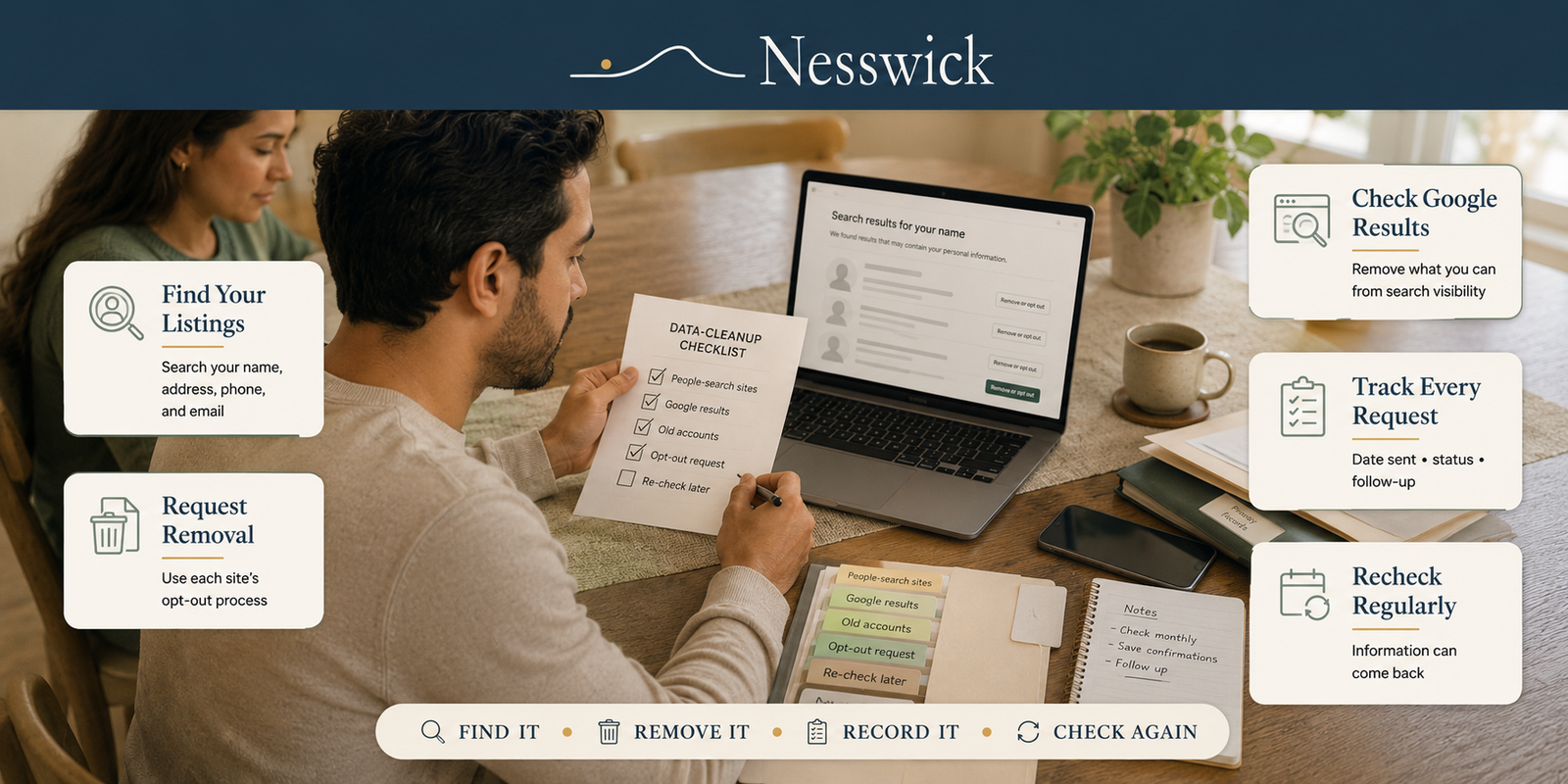
How to Remove Your Personal Information From the Internet: A Family Checklist
Most guides to this hand you twelve things to do. Three of them work.
That is the problem with the genre, and it is why people start these lists and abandon them somewhere around item eight, having spent an evening adjusting browser settings while their home address sat untouched on four people-search sites.
So this checklist is ordered by how much exposure each item actually removes, it tells you which popular advice to skip, and it is built to be run once per person in the household rather than once for you.
Two things before you start. The order matters, because the first four items carry almost all the value, so a half-finished pass is still a good afternoon’s work. And nobody becomes invisible. Some government records stay publicly available depending on the record type and where you live. What you are aiming for is not erasure. It is not being findable by someone who types your name into a search box.
The four that matter
Do these, per person, in this order. Everything after them is optional.
1. Find out where you actually appear
Ten minutes per person, and it turns “my information is everywhere” into a finite list you can work through.
For each family member, search their full name in quotation marks with your city. Then again with any previous city, and again with any former name. Open every result that is genuinely them and write down the URL.
That list is the job. Everything below is working through it.
2. If you live in California, submit one DROP request per person
This is the highest-value item on the list for anyone eligible, and it is barely a year old, which is why almost no guide includes it.
California’s Delete Request and Opt-out Platform lets a resident send a single deletion request to every registered data broker. Residents have been able to use it since 1 January 2026, and “Starting August 1, 2026, data brokers must access DROP at least once every 45 days to begin processing deletion requests.” That date has passed, so the duty is live.
What a broker must then do depends on what it finds:
- If it matches you, California’s rules require it to “delete all personal information associated with a matched identifier.” Actual deletion, not just a do-not-sell flag.
- If one identifier matches several people, it cannot safely delete, so it must instead opt each of them out of the sale or sharing of their information.
- If it finds no match, the request is recorded as not found, and the broker has to keep checking your request against records it collects later.
Two exceptions worth knowing: information a broker “collected directly from the consumer” is out of scope, as are other exempt categories. So a company you gave your details to yourself is a different conversation from a broker that bought them.
Three practical notes. It is California residents only. It is one person per request, so a household of four submits four. And it is not instant, because the state says “It could take up to 90 days to see your status updated in DROP.”
Where a broker does match you, the state’s plain-language version of the duty is that it “must delete all of your information on a rolling 45-day basis, subject to some exemptions,” and information the broker no longer holds cannot keep feeding a public page. What California’s material does not say is whether the visible listing always goes with it.
So treat DROP as the first move rather than the only one. Submit it, then check the sites themselves. Where a listing is still standing, because the broker could not match you, because the information is exempt, or because you want it gone sooner, run that site’s own opt-out as well, which is the next item.
3. Opt out of the people-search sites on your list
The most visible source, and the one that changes what a stranger finds when they search your name.
The method is the same on every site: find the listing, submit, confirm, note the date. It is set out in full in How to Remove Yourself From People Search Sites for Free. Start with the sites showing the most about you rather than working alphabetically.
A word of warning that saves repeat work: several of the big sites remove listings one at a time, not people, and one company often runs five or six sites. One submission is rarely the end of it.
4. Set the re-check reminder now, before you close the tab
Three or four months out, in your calendar. When it fires, re-run the searches from item 1 and re-submit anything that has returned.
This is the item people leave until last and therefore never do. It is also what separates a one-off tidy from actually staying off. Ten minutes per person, twice or three times a year.
What to skip
Here is the part no other checklist will give you. These appear on almost every list of this kind, and for the problem you are actually trying to solve, they do nothing.
A VPN. Useful for other things, such as public Wi-Fi and stopping your internet provider logging what you browse. It has no effect whatsoever on a people-search listing that already contains your name and address. A great many of the guides recommending one are published by companies that sell VPNs.
Browser settings, cookie controls and incognito mode. These govern tracking going forward. They do not remove a single existing record. Worth setting up once for their own reasons, but not part of this job.
Blurring your house on Street View. A satisfying afternoon that removes a photograph, not an address. If the address is published on six sites, the picture is not what is exposing you.
Deleting your social media accounts wholesale. Rarely the right trade. Removing the specific posts that give away where you live, where your children go to school, or when the house is empty is worth doing. Deleting the account is a large cost for a small gain, and it does nothing about the broker records that are the actual problem.
Paying for a removal service as step one. It may well be worth it later, but a service automates work you have not yet found out the size of. Do item 1 first. If your list is four sites, you do not need a subscription.
None of this is a criticism of the tools. It is a criticism of putting them on the same list, in the same font, as the thing that actually removes your address.
The rest, in descending order of usefulness
Worth doing if you have the appetite, once the four above are done.
5. Deal with your home address specifically
It sits in places a general opt-out does not reach, and it runs into a harder limit, because the county property record underneath keeps regenerating the listings. That is its own job with its own guide.
6. Clear out old accounts
Search your inbox for “order confirmation” and “welcome to” to find the ones you have forgotten. Update or remove your details, and close the accounts you no longer use rather than leaving them dormant with your address inside. Each one is a future breach notification.
7. Read the two explainers, once per household
How Data Brokers Collect and Sell Your Information makes the rest make sense, and How Long Data Removal Takes and Why Information Comes Back is what stops people giving up when a listing reappears. Neither needs repeating per person.
8. Decide whether to keep doing this yourself
The time-consuming parts are the initial opt-outs and the re-checks, and a removal service automates both. That is what you would be buying: the maintenance, not a better outcome than a careful person achieves. For a household covering several people it can be worth it. Data Removal Service vs. DIY: Is It Worth Paying? and Best Data-Removal Services for Families cover that decision.
Running it for a household
Everything above repeats per person. Your listings and your partner’s are separate records, a child’s are separate again, and an older parent you are helping is a fourth set.
The practical version: one note per person, with their search variants at the top and their URL list beneath. Do the audit for everyone in one sitting, since it is the same searching motion four times, then work the opt-outs person by person as you have evenings.
If you are helping an older relative, do the searching yourself and bring them the list rather than walking them through it live. It is a shorter conversation, and it avoids the part where someone sees their own address on a screen for the first time and gets upset before you have got to the fixing.
Where this ends
It does not end, exactly, but it gets very cheap.
After a thorough first pass, the ongoing cost is two or three ten-minute sessions a year against a list you already built. The point is not to reach zero, because some government records will remain publicly available depending on the record type and your state, and no process changes that. The point is that someone who types your family’s names into a search box does not immediately get your address.
That is achievable, it is free, and it holds as long as the reminder keeps firing.



Related Resources



Google tool for requesting removal of eligible personal information from Search
Affiliate Disclosure
Some links on this page may be affiliate links, which means Nesswick may earn a commission if you purchase through them, at no extra cost to you. This never changes our editorial judgment. Every item on this checklist is free to do yourself.
Sources and Methodology
This is an editorial explainer, and deliberately a router rather than a manual. No hands-on testing was performed. Its job is ranking, sequence and maintenance, and the procedural depth lives in the linked guides, each of which carries its own sourcing.
The California DROP section is the fullest treatment on this site on purpose, and other Nesswick data removal articles carry a short pointer to this page instead of repeating it.
The “what to skip” section is editorial judgment, stated in our own voice with the reasoning shown. It is not a factual claim about any product: a VPN does what a VPN does, and our point is only that it does not remove a published record. Readers can weigh the argument.
We do not print the number of registered data brokers, because it is a live figure that would date the page. We make no claim about the effectiveness of any paid service here, because that belongs on the review pages. We do not guarantee complete or permanent removal.
Sources Referenced
- California Privacy Protection Agency: DROP regulations, data broker obligations and consumer guidance, verified 3 September 2026
- California Privacy Protection Agency: Processing DROP requests, and DROP data broker deletions, verified 3 September 2026
- California Privacy Protection Agency: California Data Broker Registry
- Google Search Help: personal information removal policy, and Results about you
- Whitepages: Consumer Privacy Rights, cited for its stated exceptions covering government-sourced records