
1Password Review: What the Family Plan Buys, and What It Renews At
A research-based assessment. Nesswick has not subscribed to 1Password, and nothing below is written as though we had. It comes from 1Password’s own pricing page, support documentation and billing policy, re-verified on 16 September 2026.
Start with the price you will actually pay
1Password’s pricing page shows $4.49 a month for Families, billed annually. That is the promotional first-year price for a new customer, not the regular renewal price.
1Password’s current pricing FAQ states that promotional prices are available to new customers for the first year with annual billing. It gives the regular prices as $3.99 per month for Individual and $5.99 per month for Families.
So a family signing up at the current promotion is looking at roughly $54 for the first year and roughly $72 a year at the regular annual-billing rate after that. A first-year discount is ordinary software pricing, but the renewal figure belongs in a useful review alongside the promotional one.
Check the page on the day you buy. Promotions are time-limited by their own terms, and a dynamic price should be re-verified rather than treated as permanent.
One number 1Password still does not publish on the billing-policy page is the exact price of an additional family member beyond the included five. The policy says the account includes five family members and five guests, and that an additional family member who accepts an invitation is charged a prorated amount. If your household needs more than five full family-member accounts, confirm the current extra-member price with 1Password before buying.
The feature that actually justifies a family plan
Most of what a family plan does, a good free manager can also do. One genuinely useful family-specific feature is recovery by another family organizer when somebody in the household gets locked out.
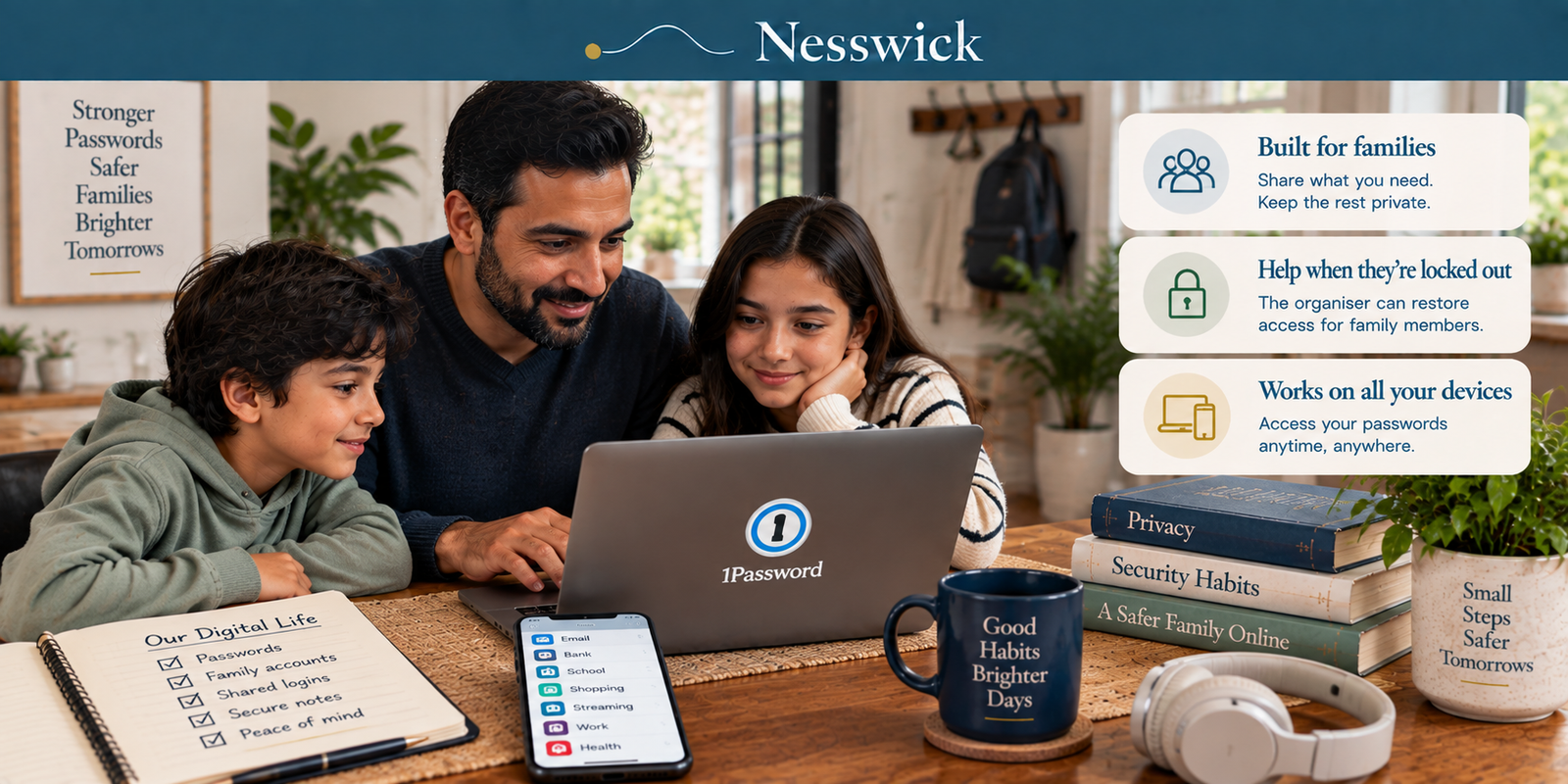
1Password’s current documentation says a family organizer can restore access for a family member who cannot sign in or unlock 1Password. The recovered member receives a new Secret Key, creates a new account password, and can access the data they had before.
That matters if you are the household’s unofficial IT department. A teenager who forgets an account password or a parent who cannot find a Secret Key can ask a family organizer for help.
Individual and family accounts can also generate recovery codes. A recovery code can be used to regain access after identity verification, producing a new Secret Key and a new account password. So family-organizer recovery is not the only recovery route now; its advantage is that another trusted person in the household can help.
Vaults, and who can see what
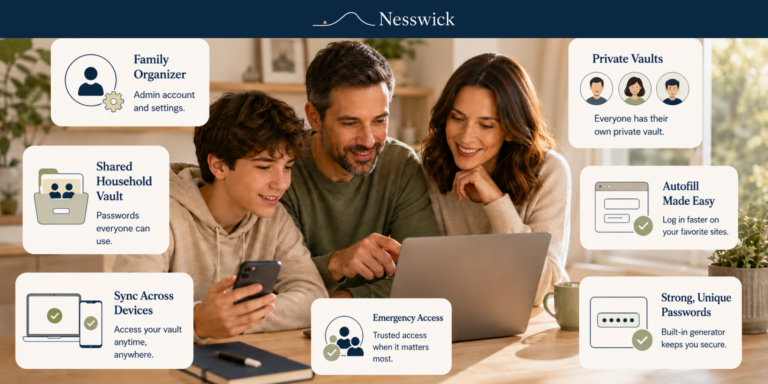
Each family member gets a Private vault for personal items. The family account also includes a Shared vault for items the household needs to share, and additional vaults can be created for selected people.
1Password’s current Families documentation describes the Private vault as a place for information you do not want to share, while shared vaults are for information intended for other family members. The current family-recovery documentation also says family organizers can create vaults no one else can access.
Guest accounts are more limited: guests do not get their own Private vault and can have access to a single vault at a time. The current Families subscription includes five guests. That can suit a house-sitter, accountant or relative who needs limited access, but it is not the same as a full family-member account.
Passkeys, precisely
Two different things get blurred together here, so worth separating.
Storing passkeys for other sites: yes. 1Password says you can use 1Password to save passkeys you create for your accounts and sign in to websites with passkeys.
Unlocking 1Password itself with a passkey: beta. 1Password’s support article is still titled “Unlock 1Password with a passkey (beta).” The current article also says that it is no longer possible to create a 1Password test account that unlocks with a passkey, so this should not be presented as a generally available finished feature.
For what a passkey is and whether your household should be using them at all, that is its own subject.
The security record, read carefully
1Password states that it is SOC 2 Type 2 certified and lists ISO 27001:2022, 27017:2015, 27018:2019 and 27701:2019 certifications.
On penetration testing, 1Password says that effective 3 November 2025 all annual pentest reports are available through the 1Password Trust Center. Its public security-assessments page still lists the named ISE assessment performed during April and June 2020.
That is not evidence of a problem. It means a reader who wants the current annual pentest reports is directed to the Trust Center rather than simply opening every current report from the public assessments page.
What we could not assess
- Whether autofill works reliably on the sites your household actually uses.
- How long onboarding takes for a non-technical family member.
- Support responsiveness.
- Whether family-organizer recovery is as smooth in practice as the documentation describes.
- How well the recovery-code workflow works for a typical non-technical household in practice.
We have not subscribed to the service, so these are deliberately left as unanswered practical questions rather than presented as hands-on findings.
Who should not buy this
Skip it if a free manager already covers your household and you do not need the paid family features.
If you are one person with no sharing needs, compare the Individual plan and free alternatives rather than paying for a family plan solely for recovery. Individual accounts can now use recovery codes, so the old claim that a solo user has no recovery route is no longer accurate.
If you have more than five full family members and the extra-member price matters to your budget, confirm the current additional-member charge before committing.
Consider Families if your household wants shared vaults, multiple individual accounts under one subscription, and the ability for family organizers to help recover another member’s account. That is a concrete household feature supported by the current documentation.
Four questions
Is the price on the page the price I keep paying? Not necessarily. The current $4.49-per-month Families figure is a first-year promotion for eligible new customers on annual billing; 1Password lists the regular Families price as $5.99 per month billed annually. Check the page on the day you buy.
What happens if I forget my account password? On a family plan, a family organizer can recover another member’s account. Individual and family accounts can also use a previously generated recovery code. Current recovery documentation says these routes can provide a new Secret Key and let you create a new account password while retaining access to your existing data.
Can I add a sixth full family member? The base subscription includes five family members and five guests. 1Password’s billing policy says additional family members are charged a prorated amount, but the policy does not state the exact amount. Confirm the current rate before buying.
Is my data stored in my country? 1Password offers different account regions. Confirm the region you choose at signup and the current documentation for where your secure data is hosted.


Affiliate Disclosure
Current relationship: Nesswick does not currently use affiliate links in this article. Product and service references are included for editorial purposes.
Sources and Methodology
This is a research-based assessment. Nesswick has not subscribed to 1Password. No claim rests on personal use, and practical questions requiring hands-on use are left unanswered rather than guessed at.
Product facts were re-verified against current 1Password pricing, support and billing documentation on 16 September 2026. The current pricing page lists the first-year Families promotion at $4.49 per month billed annually and the regular Families price at $5.99 per month billed annually. Current support documentation confirms five included family members and five guests, family-organizer account recovery, recovery codes for individual and family accounts, Private and Shared vaults, guest limitations, current passkey documentation, including 1Password’s beta documentation for unlocking 1Password with a passkey, and the Trust Center approach to annual pentest reports.
We publish no exact price for an additional family member because the billing policy reviewed states only that additional accepted family members are charged a prorated amount. We do not convert documentation into a hands-on verdict.
We draw no head-to-head verdict against a competitor. Prices, plan limits and product features are dynamic. Verify current pricing and features before subscribing.
Last reviewed and verified: September 16, 2026.
Sources Referenced
- 1Password – personal pricing page including promotional-pricing FAQ
- 1Password Support – About 1Password Families
- 1Password Support – About family organizers in 1Password Families
- 1Password Support – Recover accounts for family or team members
- 1Password Support – Generate and use recovery codes
- 1Password Support – Share with guests in 1Password Families
- 1Password Support – About the security of unlocking 1Password with a passkey
- 1Password Support – Security audits of 1Password
- 1Password Support – membership billing policy