
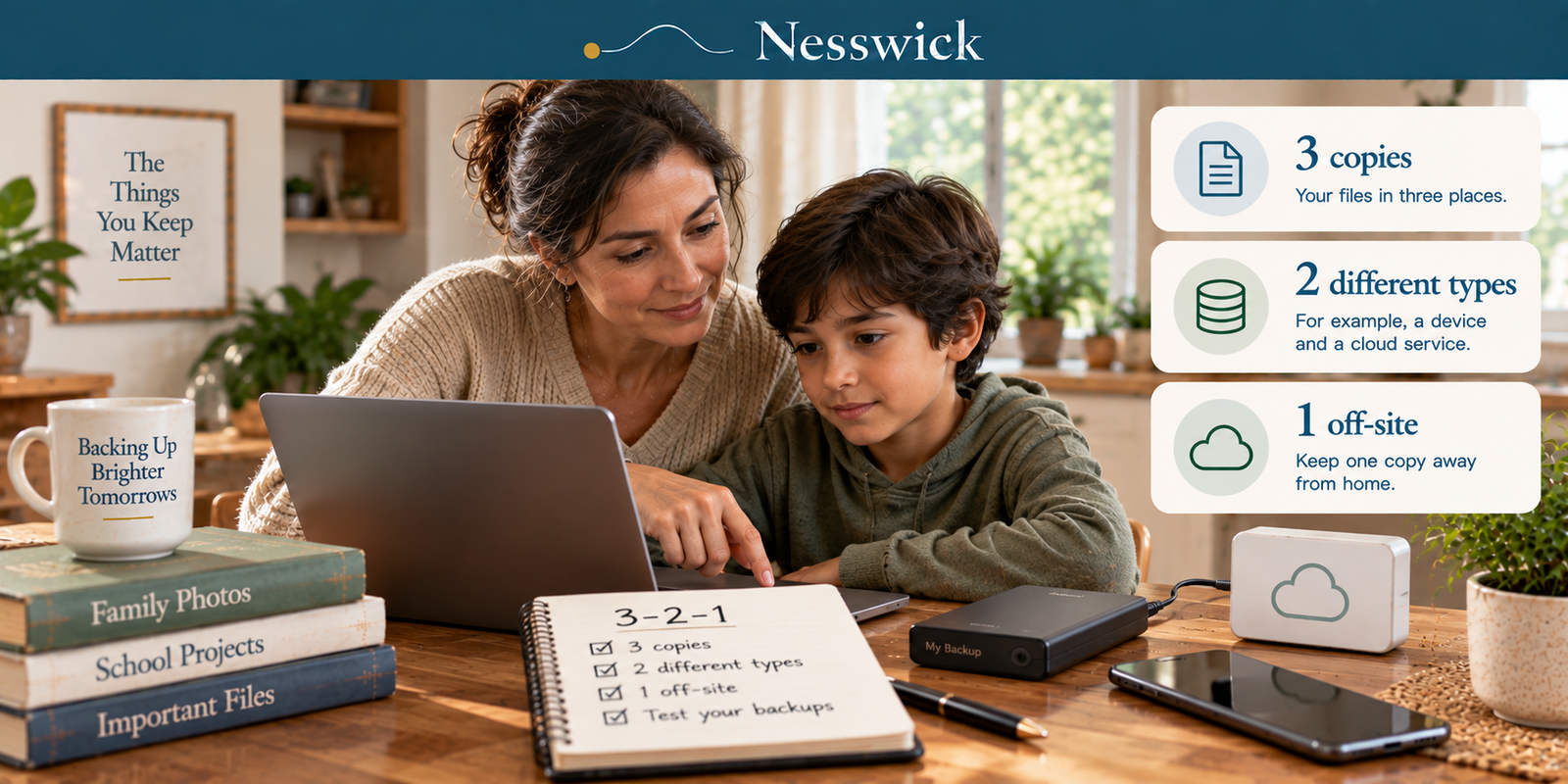
The 3-2-1 Backup Rule, Counted for a Household
This guide uses official documentation only: CISA’s published backup guidance, and Apple’s, Microsoft’s and Google’s own descriptions of their products. Nesswick has not tested any backup service. Verified 20 September 2026.
Here is the rule as the US Cybersecurity and Infrastructure Security Agency publishes it: “3 copies of important files, 2 different types of storage media (like a hard drive and the cloud), 1 copy stored off-site, away from your business location.”
Read that last clause again. Away from your business location. The same guidance tells you to test the backup so that “your team can rapidly restore data.”
This is advice written for organisations, and almost every explanation of it you will find online is written by a company selling backup software to organisations. That is not a criticism: the rule is good and the advice is sound. But a household has no business location and no team, and the translation is where all the useful thinking is.
So let us do the counting properly.
Copy one: the device itself
The photos on your phone. The documents on the laptop. This is copy one, and it is the copy that is guaranteed to fail eventually, because it is the copy that gets dropped, stolen, soaked, or simply replaced with a newer model in a hurry.
Most people’s mental model of backup is really a model of this copy being fine. It is the one copy you can be certain will not be.
Copy two: the one most families think they have, and don’t
This is where household counting departs from the vendor diagrams.
If you have an iPhone with iCloud switched on, it is natural to assume your phone has a second copy sitting in iCloud. Apple’s own documentation says something more specific. Photos, if you have turned on iCloud Photos, are not included in an iCloud backup, because, in Apple’s words, they “already sync to iCloud.”
That sentence is doing a lot of work. It means the photos are not backed up and synced. They are synced, and the sync is being counted as the copy. And a sync is a mirror: it is designed to make both ends match. If a photo is deleted on the phone, the design intent is for it to stop being on the other end too.
The same shape applies elsewhere. Google Photos will hold your uploads independently of the phone (Google notes that photos removed from the device “may still be in your Photos view” because “these photos are only local copies”), but the reverse operation, deleting from the library itself, propagates. Windows Backup, similarly, “syncs the folders you specify to your OneDrive account”, which is genuinely useful and is a sync.
So: in synchronized photo libraries, a deletion can propagate to the cloud copy. That is a second location. It is not reliably an independent second copy, and the difference only becomes visible on the day something is deleted rather than the day something is lost.
There is one honourable exception, and it is worth knowing. Time Machine on a Mac keeps versions rather than a mirror: Apple describes “hourly backups for the past 24 hours, daily backups for the past month, and weekly backups for all previous months.” A copy that remembers what a file used to be is a real second copy. A copy that only knows what the file is now is not.
Copy three: the boring one, and the one nearly everybody is missing
The third copy is the one that is not connected to anything.
CISA’s phrasing for why is short: “leverage protections for backups, including physical security, encryption and offline copies,” and “use a combination of on-site and remote backups to protect against threats, hardware failures and physical damage.”
For a household, that means a drive that is plugged in occasionally and then unplugged. An external disk that lives in a drawer, or better, at a relative’s house. It is unglamorous and it is the copy that survives the two events the other copies do not: an account being lost or locked, and a deletion propagating through everything that is connected.
You do not need to buy a service for this. A drive and an hour a month is the whole thing.
The two digits people get wrong
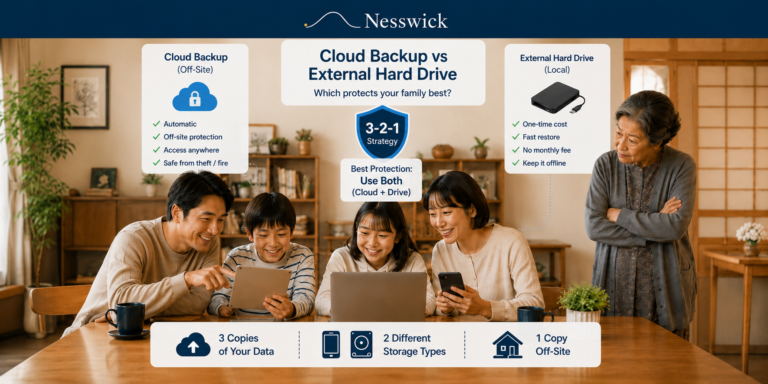
Two media, not two accounts. Google Drive and Dropbox are not two types of storage. They are two of the same type, with the same failure modes: a lost password, a locked account, a propagated deletion. The point of the “2” is that the two copies should fail for different reasons.
Off-site means somewhere else, not somewhere online. For a business that means a different building. For a family, a drive at a parent’s house satisfies it perfectly well, and so does a cloud copy: the requirement is separation, not sophistication.
You will also see 3-2-1-1-0 and 4-3-2 written about. Those are backup-industry refinements, and we are not defining them here because no authority publishes them and this is a household, not a data centre.
The step nobody does
CISA does not just say to back up. It says to “test backup procedure to make sure your team can rapidly restore data both fully and partially.”
The household translation is one sentence: pick a file, delete it, and get it back.
Not a whole system restore. One photograph you can afford to lose. Delete it from the phone, wait a day, and try to recover it from what you believe is your backup. Most people who do this discover something surprising within ten minutes: a backup that stopped running in March, a cloud account that helpfully removed the file from everywhere, an external drive that was never actually selected.
A backup that has never been restored from is a belief, not a backup.
Where a household usually lands
Counted honestly, most families have copy one and a sync they are calling copy two. That is one and a half copies of the only photographs of their children that exist.
The gap is almost always the offline copy, and it is the cheapest of the three.
The one-evening version
Buy or find an external drive. Plug it into the computer where the photos actually live and make a full copy. On a Mac, Time Machine can do this. On Windows, use a backup method that actually writes the files to that external drive, not Windows Backup’s OneDrive sync. Check that your phone’s photos are genuinely on that computer and not just visible in an app that streams them.
Then unplug the drive and put it somewhere that is not next to the computer.
Then delete one file and get it back.
That is 3-2-1 for a house. It is an evening, and then an hour a month.


Affiliate Disclosure
No affiliate disclosure applies. This page recommends no product, names no vendor, and Nesswick is not currently enrolled in any affiliate programme.
Current relationship: Nesswick does not currently use affiliate links in this article. Product and service references are included for editorial purposes.
Sources and Methodology
This is an official-documentation guide. No backup product or service was tested. The rule is quoted from CISA’s published guidance rather than paraphrased, including the business framing that this article exists to translate. Platform behaviour is taken from Apple’s, Microsoft’s and Google’s own documentation, and each statement is attributed to the company that made it.
We do not assert an origin for the 3-2-1 rule, because we could not verify a primary source for the attribution that circulates. We do not define the 3-2-1-1-0 or 4-3-2 variants, because they are backup-industry formulations rather than published guidance. We use no drive-failure or data-loss statistic anywhere, because no current authoritative figure could be verified, and this is a subject where unsourced percentages are unusually common.
We also do not state how long deleted items remain recoverable in iCloud Photos. That period is widely repeated online; we could not confirm it on an Apple page we were able to read, so it is absent rather than borrowed.
General information for US readers. No backup arrangement makes data loss impossible, and the only way to know yours works is to restore from it.
Sources Referenced
- CISA: Back Up Business Data, cisa.gov, read 20 September 2026
- Apple: backup methods for iPhone or iPad, including the exclusion of iCloud Photos from iCloud backups, support.apple.com, read 20 September 2026
- Apple: Time Machine, including the hourly/daily/weekly retention schedule and disk requirements, support.apple.com, read 20 September 2026
- Microsoft: Back up your Windows PC, including OneDrive folder syncing and the 5 GB free allowance, support.microsoft.com, read 20 September 2026
- Google: Back up photos & videos, including local-copy behaviour, support.google.com, read 20 September 2026
All verified 20 September 2026.
Editorial verification / review date: 20 September 2026.