
pCloud Review: What a Lifetime Plan Actually Buys
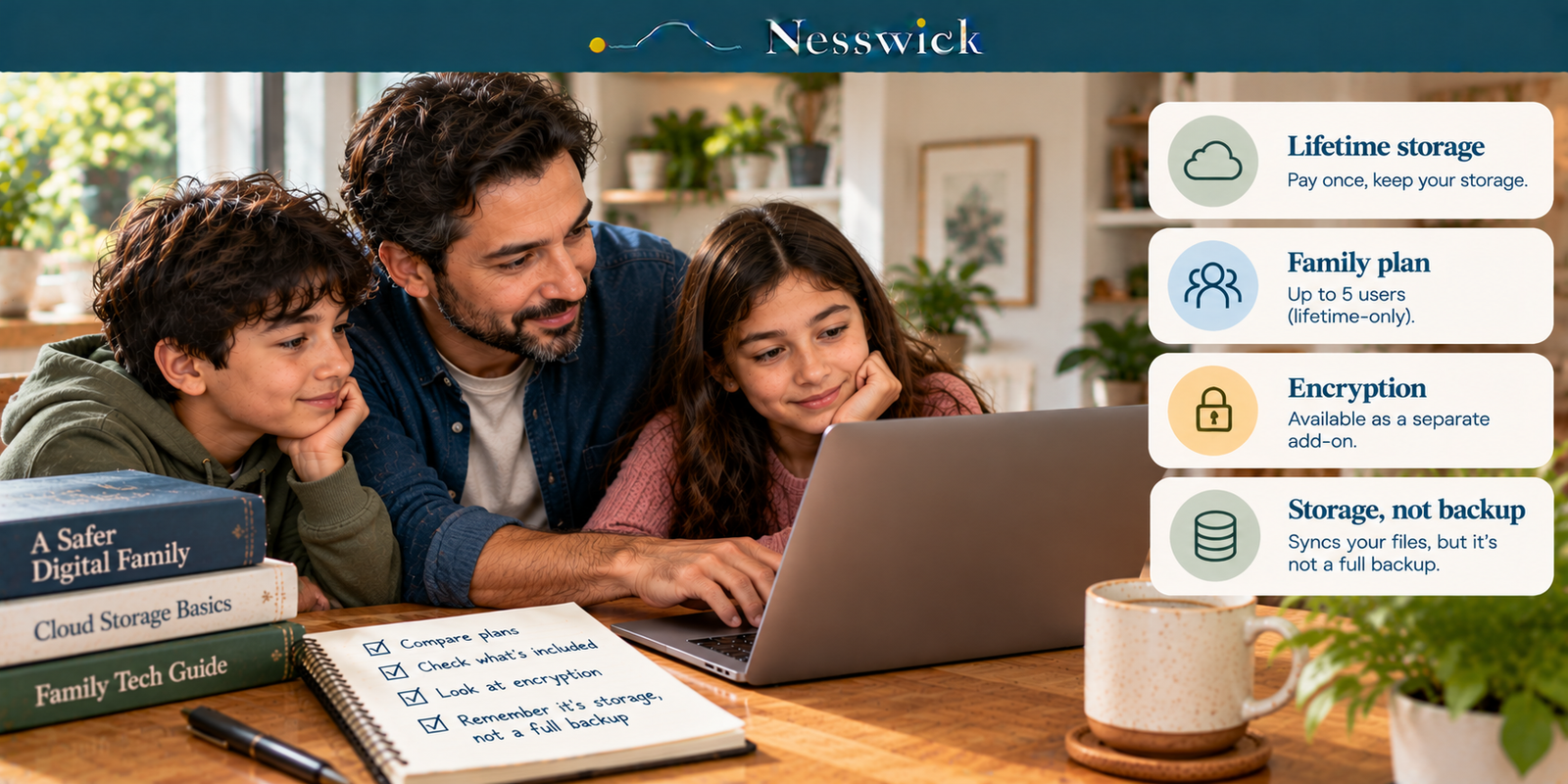
pCloud offers an unusual choice: pay a subscription for cloud storage, or make a larger one-time payment for a lifetime plan. The important question is not simply whether paying once sounds appealing. It is how long you expect to use the storage, which features are included, and what the word “lifetime” can reasonably promise.
At the USD prices displayed on pCloud’s official pages on October 15, 2026, the lifetime plans break even against annual subscriptions after approximately 4.4 to 5 years, depending on capacity. This is not a universal four-year rule. A lifetime purchase also does not guarantee that a company or service will exist indefinitely.
Nesswick has not purchased, installed, benchmarked or tested pCloud. This is a research-based assessment of published features and prices, not a hands-on review.
Storage, sync and backup are different
pCloud is primarily cloud storage with file synchronization, sharing and recovery features. It also advertises backup tools for desktop files, phone photos and some third-party sources. It would therefore be inaccurate to say that pCloud offers no backup functionality.
But a cloud storage subscription, even with backup features, should not be treated as a complete replacement for a separately maintained backup strategy. Syncing can propagate changes and deletions; recovery depends on the particular feature, retention period and settings. pCloud advertises restoration of previous versions and deleted files, but that is not the same as promising a complete, independently recoverable image of your computer. Keep another independent copy of irreplaceable photos and documents, ideally one not continuously synced.
The current individual plans and break-even math
The following prices are in USD. Lifetime figures were read from the official pCloud lifetime pricing page on October 15, 2026. Annual and monthly prices are the figures checked by the publication reviewer on that date; confirm the actual checkout offer before paying.
| Individual tier | Monthly | Annual | Lifetime | Lifetime / annual |
|---|---|---|---|---|
| Premium 500 GB | $4.99 | $49.99 | $219 | 4.38 years |
| Premium Plus 2 TB | $9.99 | $99.99 | $499 | 4.99 years |
| Ultra 10 TB | $29.99 | $299.99 | $1,499 | 5.00 years |
These ratios compare one lifetime purchase with repeatedly renewing the same annual tier at the stated annual price. They ignore changes in future subscription prices, investment returns, taxes or account-specific offers. The displayed lifetime “compare at” prices are $279, $709 and $2,799; those higher reference prices are not the amounts used in the calculation.
A 500 GB buyer reaches the arithmetic break-even point after about four years and five months. The 2 TB and 10 TB buyers reach it after approximately five years. The lifetime option can cost less over a longer period, but only if the service continues and still meets your needs.
Family is a separate lifetime purchase
The official Family page presents one-time plans for up to five users, with private spaces and storage allocations managed within the household. No monthly Family option is displayed on that page.
| Family plan | One-time price | Displayed reference price | Users |
|---|---|---|---|
| Family 2 TB | $749 | $999 | Up to 5 |
| Family 10 TB | $1,849 | $3,499 | Up to 5 |
The Family 2 TB lifetime plan costs $250 more than the individual 2 TB lifetime plan at the prices above ($749 minus $499). That buys access for a household of up to five rather than just one account; it does not mean each member receives 2 TB. Storage is allocated across the plan.
Recovery has limits
The publication-day reviewer observed “30 days trash history” for the Family offers. pCloud’s current general pricing page also describes recovery of data from up to 30 days ago. Its pages advertise file recovery and account rewind, so “a deleted file is permanently gone after 30 days in every circumstance” would be too categorical. Check the retention rules and any paid extensions for the feature you intend to rely on.
Encryption is an optional add-on
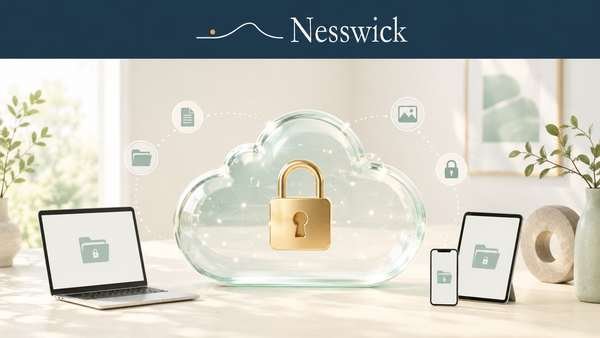
pCloud Encryption is the name of the separately sold client-side, zero-knowledge encryption feature. pCloud’s own instructions still call its protected area the Crypto folder.
The checked Encryption prices are $4.99 per month, $49.99 per year or $150 for a lifetime purchase. The feature is offered separately from the storage plan. Standard storage should not be described as zero-knowledge by default: the Crypto folder is the relevant client-side encrypted area. Verify the exact package at checkout, including any bundle or promotion.
For comparison, the annual Encryption add-on at $49.99 costs as much as the quoted annual Premium 500 GB storage subscription. The lifetime Encryption add-on at $150 is less than the $219 lifetime 500 GB plan.
Swiss company; choose where files are stored
pCloud describes its data-region choices as the United States (Dallas, Texas) and the European Union (Luxembourg). The selection is made during account setup. pCloud separately describes Swiss privacy-law protections; that does not mean the physical servers are in Switzerland.
pCloud’s official data-regions FAQ states that changing the selected region later costs a one-time $19.99. For Family accounts, the owner must request the change. Folder invitations are limited to people in the same data region, while shared links can cross regions. Consider your preferred location before creating the account.
Free storage and refund terms
pCloud advertises up to 10 GB of free cloud storage, subject to account-setup conditions. This is a sensible way to evaluate whether the apps and workflow suit you before a one-time purchase. Its current pricing page also advertises a 14-day money-back guarantee; check the applicable terms and eligibility before paying.
Who should consider a lifetime plan?
A lifetime plan is most compelling for someone who expects to use the same storage capacity and service for substantially more than five years, understands the limits of a one-time service commitment, and has an independent backup for important data. Family may suit a household wanting private accounts under one storage allocation. The regional choice and separate Encryption purchase also matter.
Who should not?
If you may leave within four or five years, annual billing can be less expensive. If your main requirement is independently restorable computer backups, compare backup-specific tools and retention policies rather than relying on a sync folder alone. If you need zero-knowledge encryption for every stored file, first confirm exactly what pCloud Encryption protects and the added cost.
Where this review stops
Nesswick has not measured upload speed, download speed, sync reliability, app usability, support responsiveness or cryptographic strength. pCloud’s published security descriptions are not independent proof that the service cannot be compromised. No lifetime offer guarantees the provider’s indefinite survival.


Related Resources
pCloud – Official Plans and Pricing
official pricing page
pCloud – Official Data Regions
official data-residency documentation
Affiliate Disclosure
Current relationship: Nesswick does not currently use affiliate links in this article. Product and service references are included for editorial purposes.
Sources and Methodology
This research-based assessment uses pCloud’s official public pricing, Family, Encryption, data-regions and application pages accessed on October 15, 2026, plus the publication-day rendered-price observations supplied by the publishing reviewer. The individual lifetime and Family prices were independently cross-checked against publicly accessible official pages; the monthly and annual individual rates and 30-day Family trash wording rely additionally on the reviewer’s rendered-page checks. The free tier is described conservatively as “up to 10 GB” because the exact amount and unlocking steps can vary. Break-even figures are simple lifetime-price divided by annual-price calculations. No hands-on performance or security testing was conducted. Prices and features can change or vary by offer and region. The reader should confirm the final US checkout price and conditions before purchasing.
Last reviewed: October 15, 2026.