
Passwords remain one of the most common weak points in family online security. Reused or simple passwords make it easy for one leaked account to expose several others, and password fatigue leads many people to take shortcuts that increase risk. This section covers practical ways to strengthen passwords across a household, including tools that make good habits easier to maintain rather than harder. It also looks at newer options like passkeys, which are designed to reduce reliance on passwords altogether. The aim is to help every family member, from teenagers to grandparents, use stronger, more manageable account security without becoming a technical expert.
Start with the free steps
- Turn on multi-factor authentication for email, banking, and social accounts first.
- Use a unique password for every account instead of reusing favorites.
- Check whether your accounts already support passkeys and turn them on where offered.
- Use your device’s or browser’s built-in password generator and saved password features.
- Write down a recovery plan for each important account before you need it.
Latest Password Guides
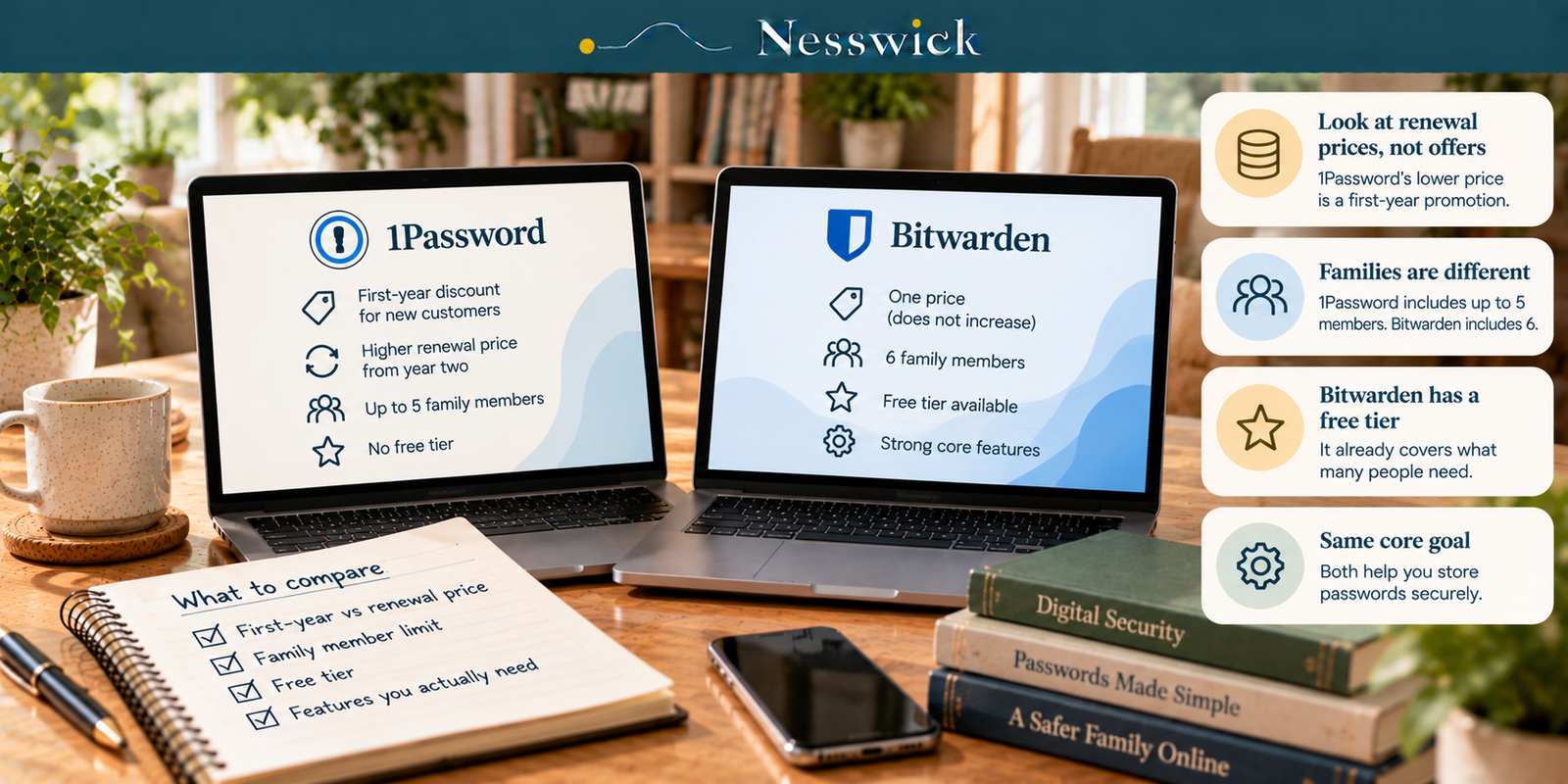
1Password vs Bitwarden: Compare the Renewal Prices, Not the Offers
Read Guide →: 1Password vs Bitwarden: Compare the Renewal Prices, Not the Offers1Password has a first-year offer and a higher standard annual rate. Bitwarden currently lists lower annual prices and a free…
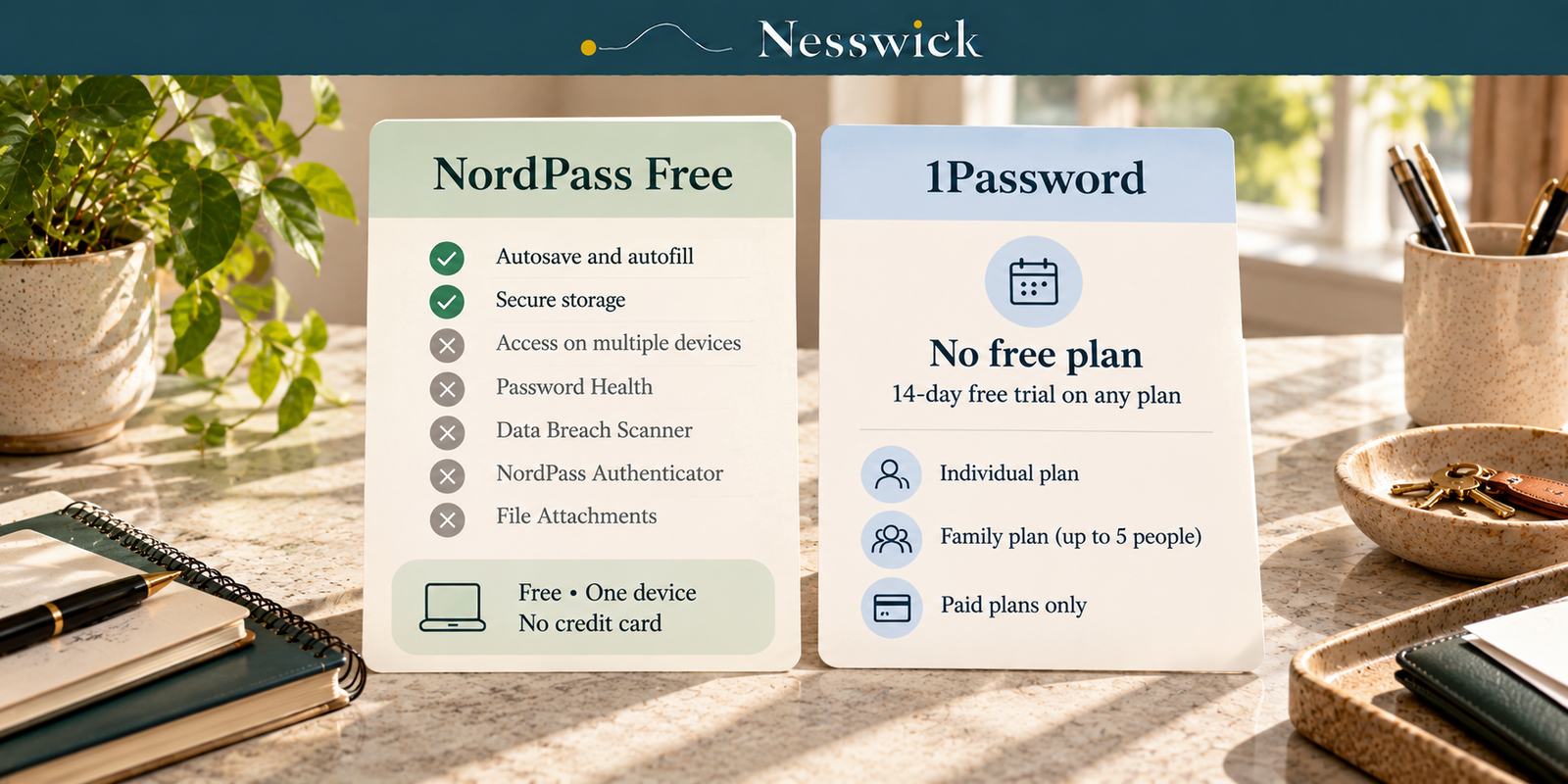
NordPass vs 1Password: What the Free Route Actually Gets You
Read Guide →: NordPass vs 1Password: What the Free Route Actually Gets YouNordPass has a free tier and 1Password does not. NordPass Free is limited to one device for password access, while…
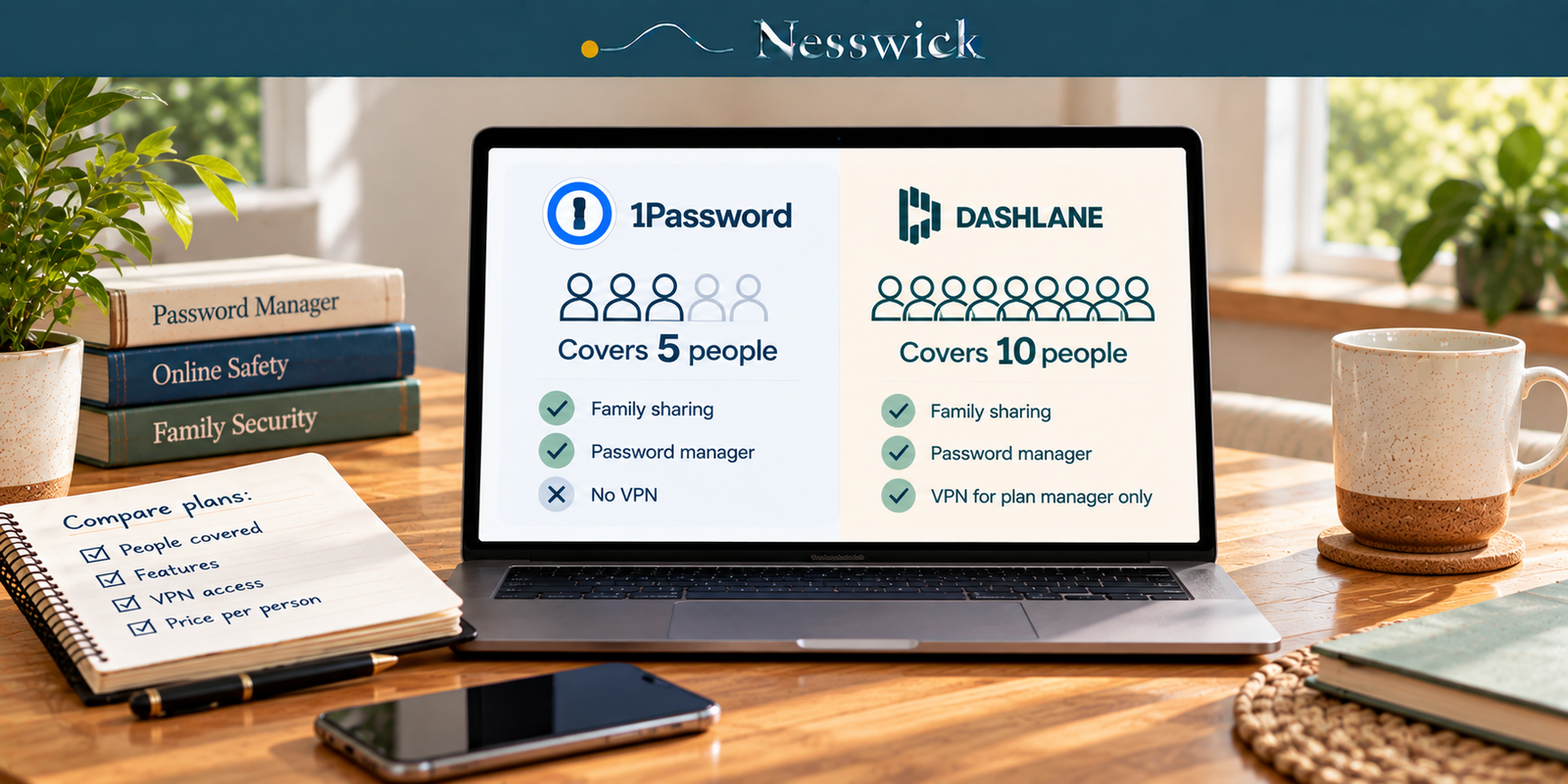
1Password vs Dashlane: One Covers Twice as Many People
Read Guide →: 1Password vs Dashlane: One Covers Twice as Many PeopleDashlane Friends & Family covers 10 accounts. 1Password Families covers 5. Here is the per-person arithmetic, and the VPN limitation…
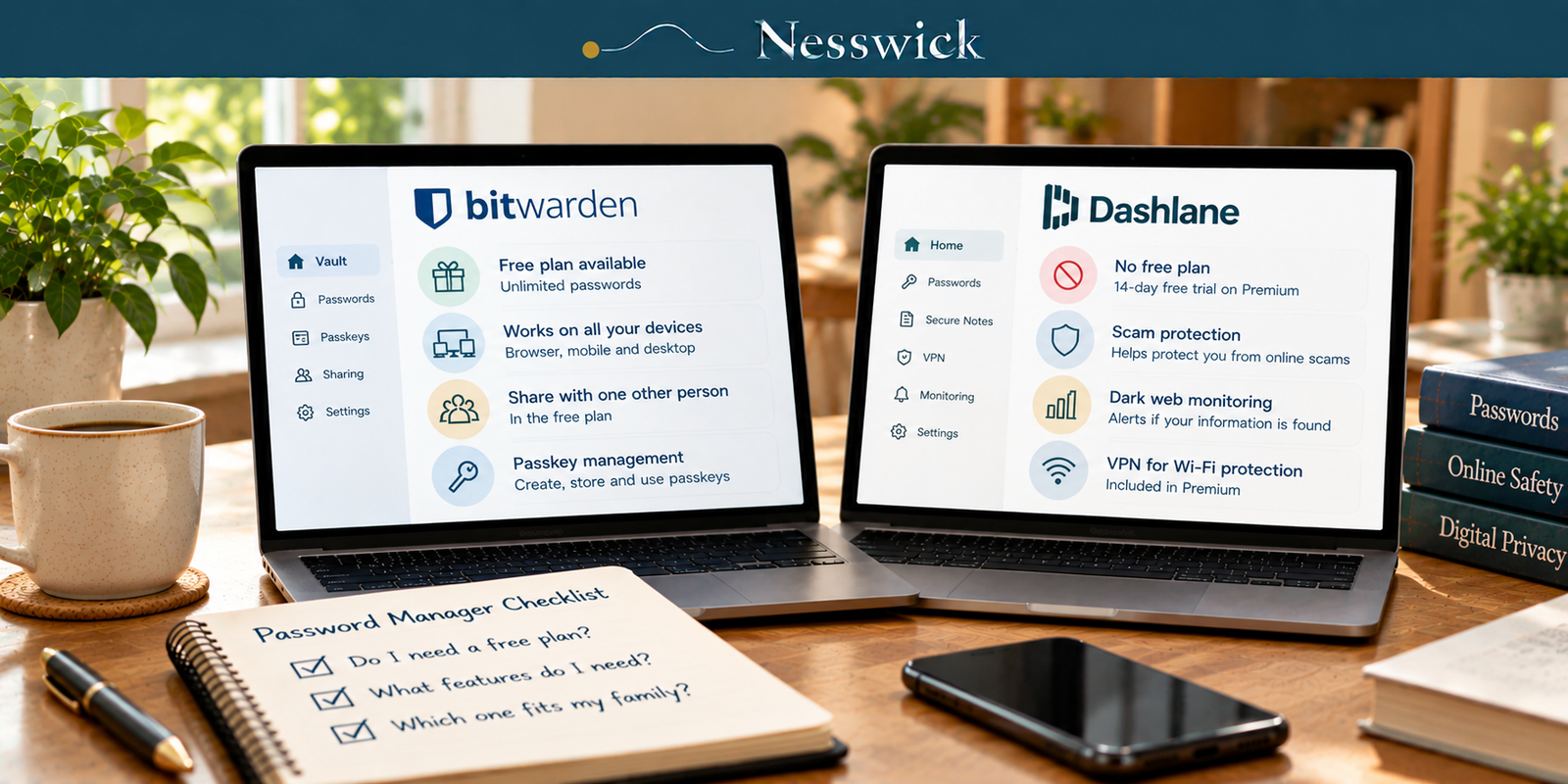
Bitwarden vs Dashlane: Only One of These Still Has a Free Plan
Read Guide →: Bitwarden vs Dashlane: Only One of These Still Has a Free PlanDashlane has retired its free plan. Bitwarden’s free tier still covers unlimited passwords on unlimited devices. Here is what the…
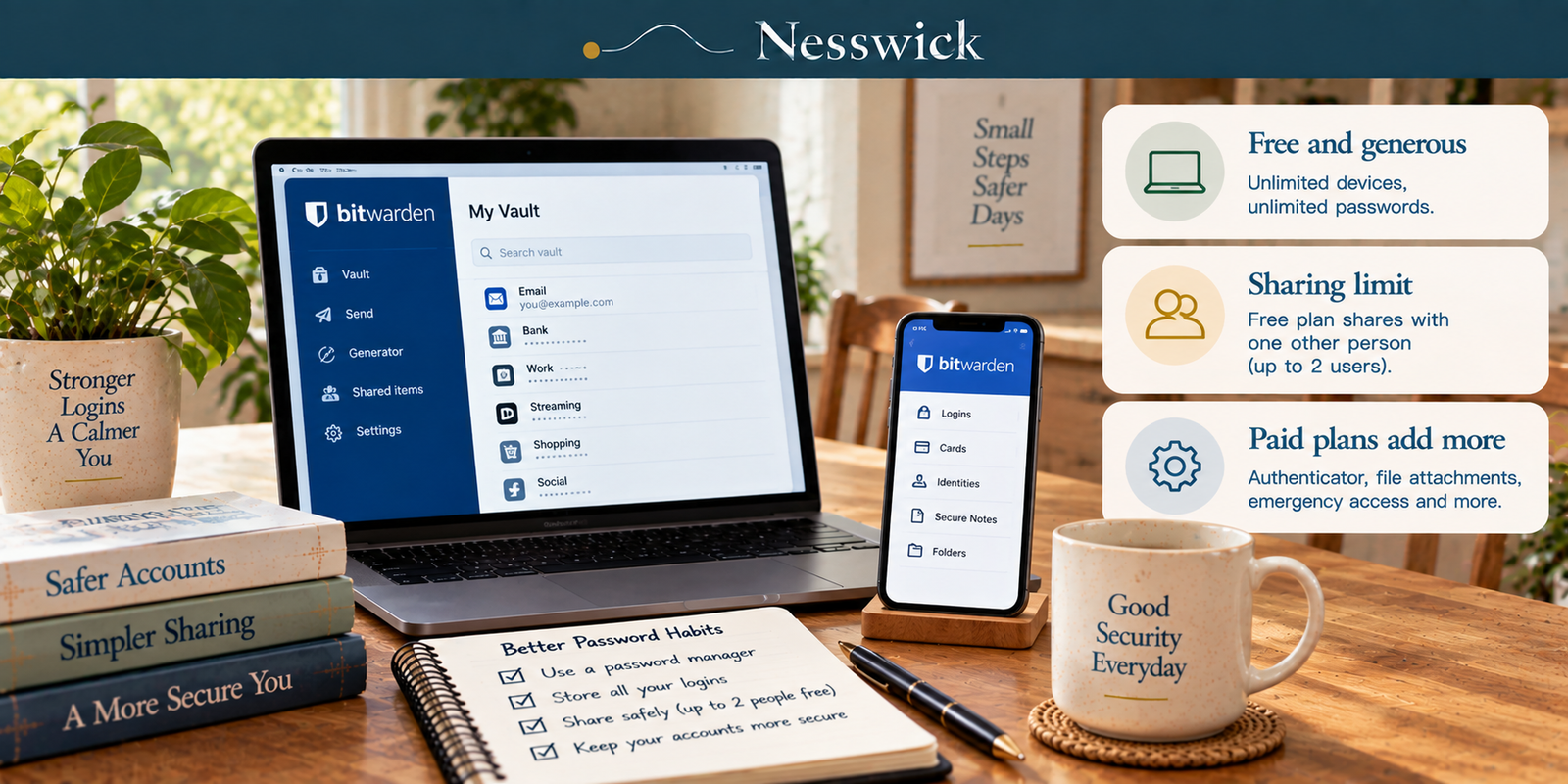
Bitwarden Review: What the Free Tier Really Includes
Read Guide →: Bitwarden Review: What the Free Tier Really IncludesBitwarden’s free tier deserves its reputation. It also shares with exactly one other person, which is not what most reviews…
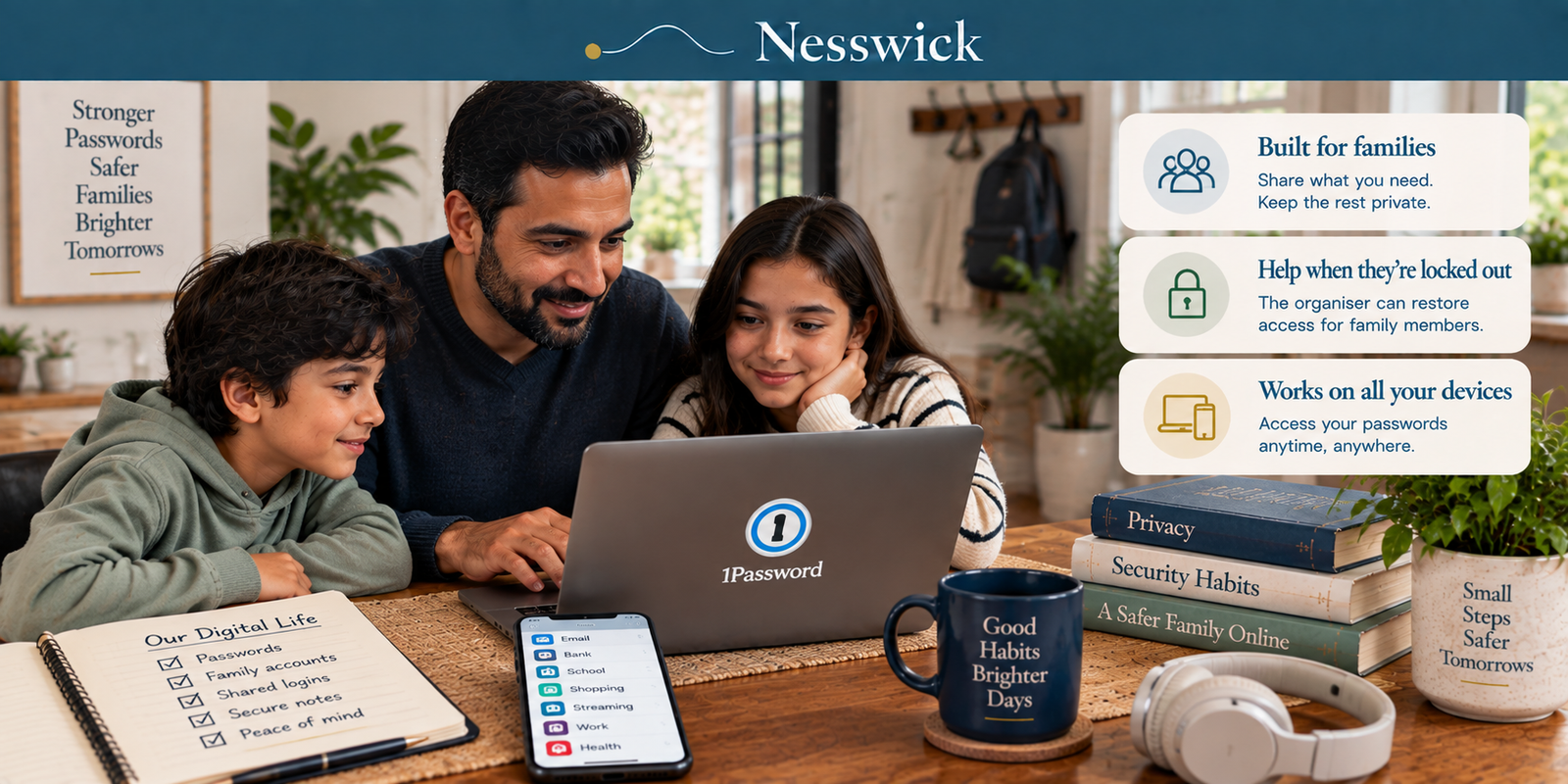
1Password Review: What the Family Plan Buys, and What It Renews At
Read Guide →: 1Password Review: What the Family Plan Buys, and What It Renews AtThe figure on 1Password’s pricing page is the first-year figure. Here is what you renew at, what a family plan…
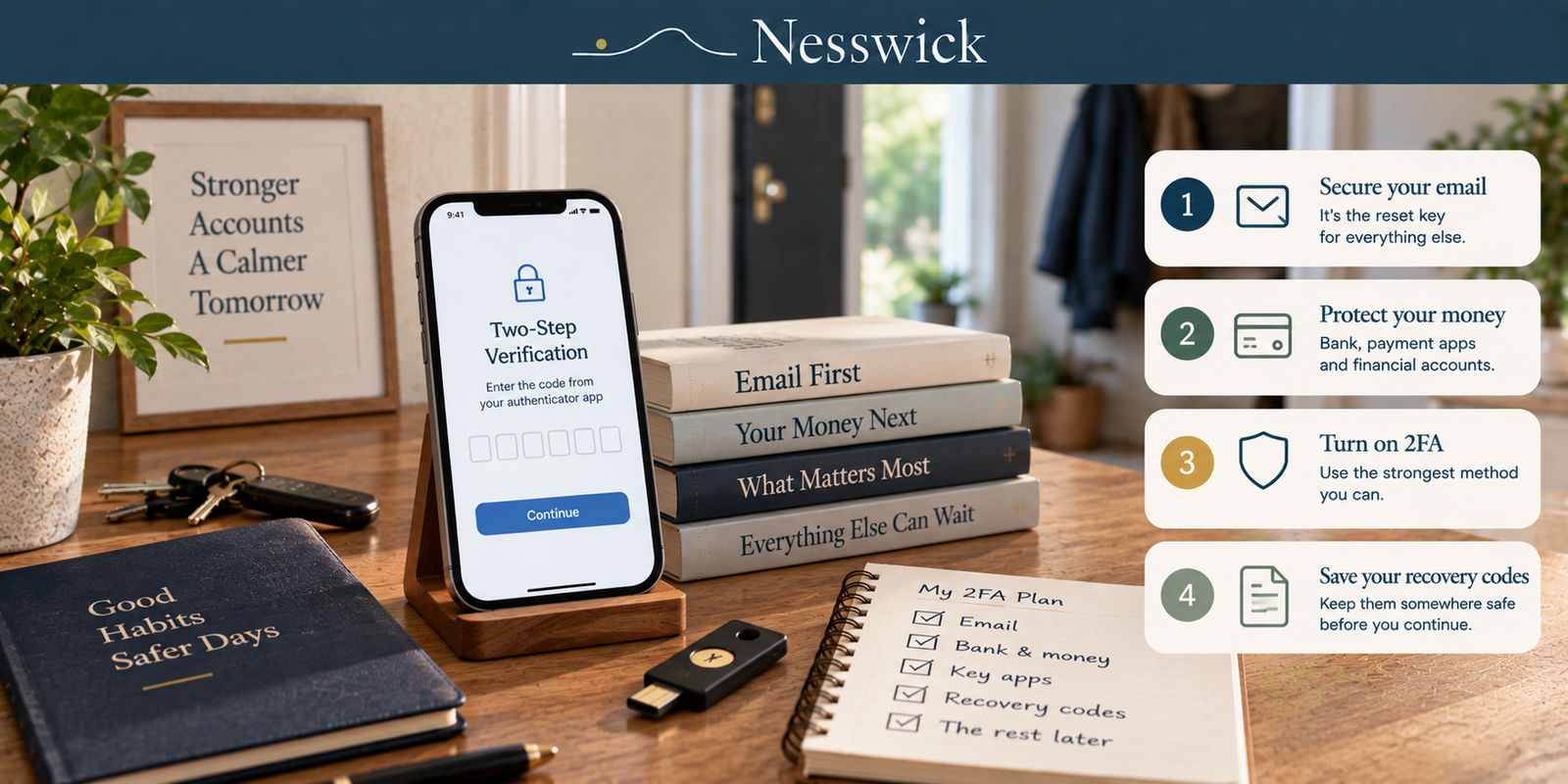
How to Turn On Two-Factor Authentication: The Order That Matters
Read Guide →: How to Turn On Two-Factor Authentication: The Order That MattersThree accounts protected properly beats twenty done badly. The order to work in, the method table with a source behind…
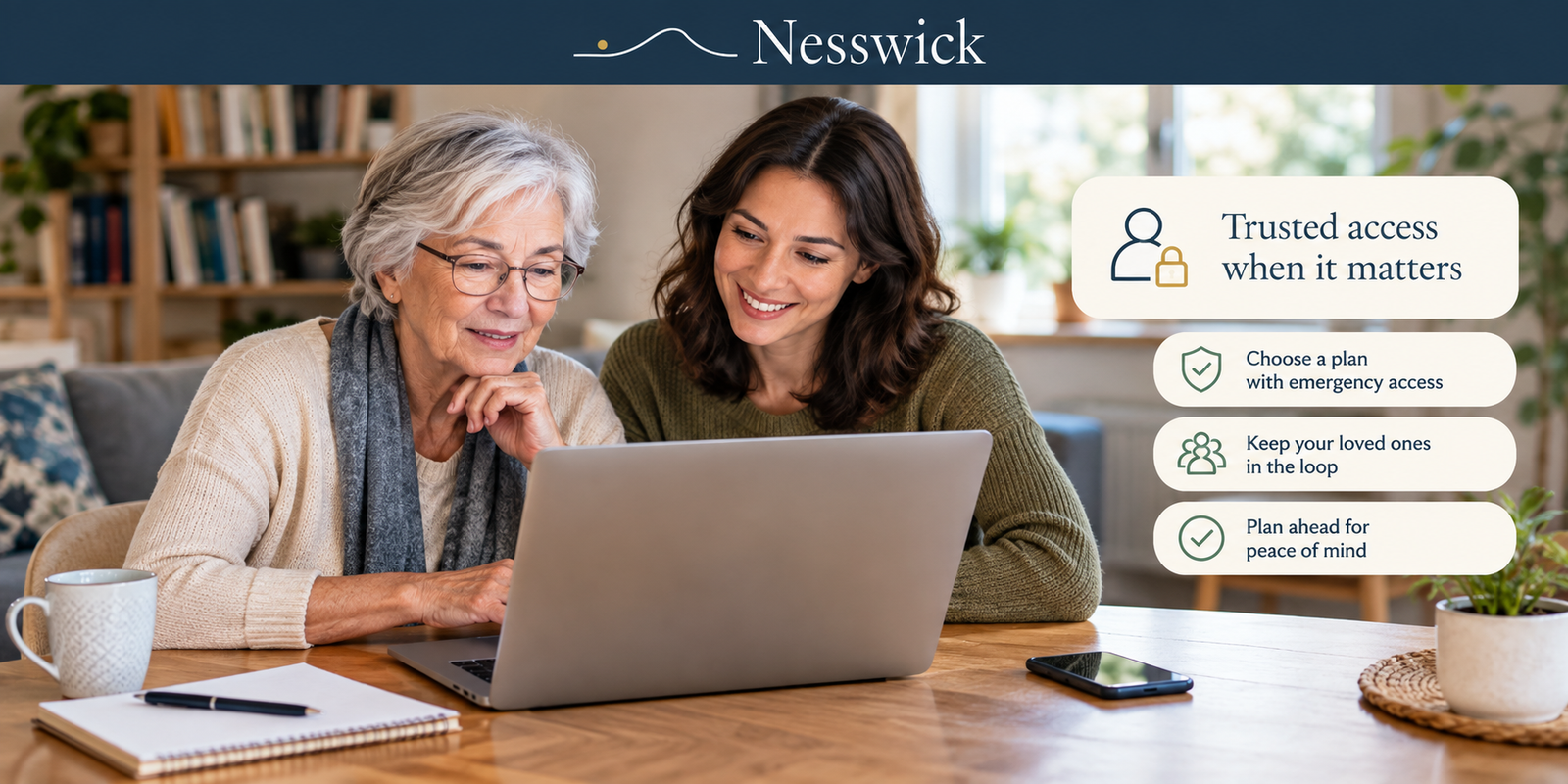
Password Managers for Seniors: Which Ones Let a Trusted Person Get In
Read Guide →: Password Managers for Seniors: Which Ones Let a Trusted Person Get InMany roundup pages recommend a free password manager. Across Bitwarden, Keeper and 1Password, no free tier carries emergency access. Here…
What this section helps with
- Reduce the risk of one leaked password compromising multiple accounts.
- Understand how password managers and passkeys work in plain language.
- Set up multi-factor authentication correctly across a family’s accounts.
- Plan for account recovery if a device is lost or a password is forgotten.
- Help less tech-confident family members adopt safer habits without frustration.
Tools we may cover
This category may cover password managers, passkey-enabled services, and multi-factor authentication apps. We describe how these tools generally work and their family-sharing options, without ranking or promoting a specific provider here.
What these tools cannot guarantee
Password managers and passkeys reduce common risks, but they cannot prevent every account compromise, especially if a device itself is compromised, a recovery method is weak, or a person is tricked into approving access. Good habits still matter alongside any tool.
How Nesswick evaluates this category
Our assessments of password tools follow the same evidence-based approach described in How We Test and Editorial Policy.
Recommended Password Tools
Nesswick currently reviews the following password managers:
Bitwarden Premium
Assessment Status: Research-Based Assessment. Bitwarden Premium is a paid upgrade for a single Bitwarden account, adding an integrated authenticator, encrypted…
Proton Pass Plus
Proton Pass Plus is the paid tier of Proton’s open-source, end-to-end encrypted password manager, adding unlimited email aliases, a built-in…
1Password Families
Assessment Status: Research-Based Assessment. 1Password Families is a shared subscription plan that gives up to five family members their own…
Not sure where to begin? Start Here.