
Backups protect the photos, documents, and memories families can’t easily replace if a phone, laptop, or hard drive fails, is lost, or is stolen. Many people don’t think about backups until after something goes wrong, at which point it’s often too late. This section explains backup concepts in plain English, including the well-known 3-2-1 approach, and covers both local and cloud options for phones and computers. It also looks at why testing a backup occasionally matters just as much as creating one in the first place, especially given the growing risk of ransomware.
Start with the free steps
- Turn on automatic backup for your phone’s photos and files if it isn’t already on.
- Back up your computer to an external drive on a regular schedule.
- Use at least one cloud backup alongside any local backup.
- Check that a recent backup actually opens and restores correctly.
- Make a short list of what matters most, so you know what to prioritize if something goes wrong.
Latest Backup Guides
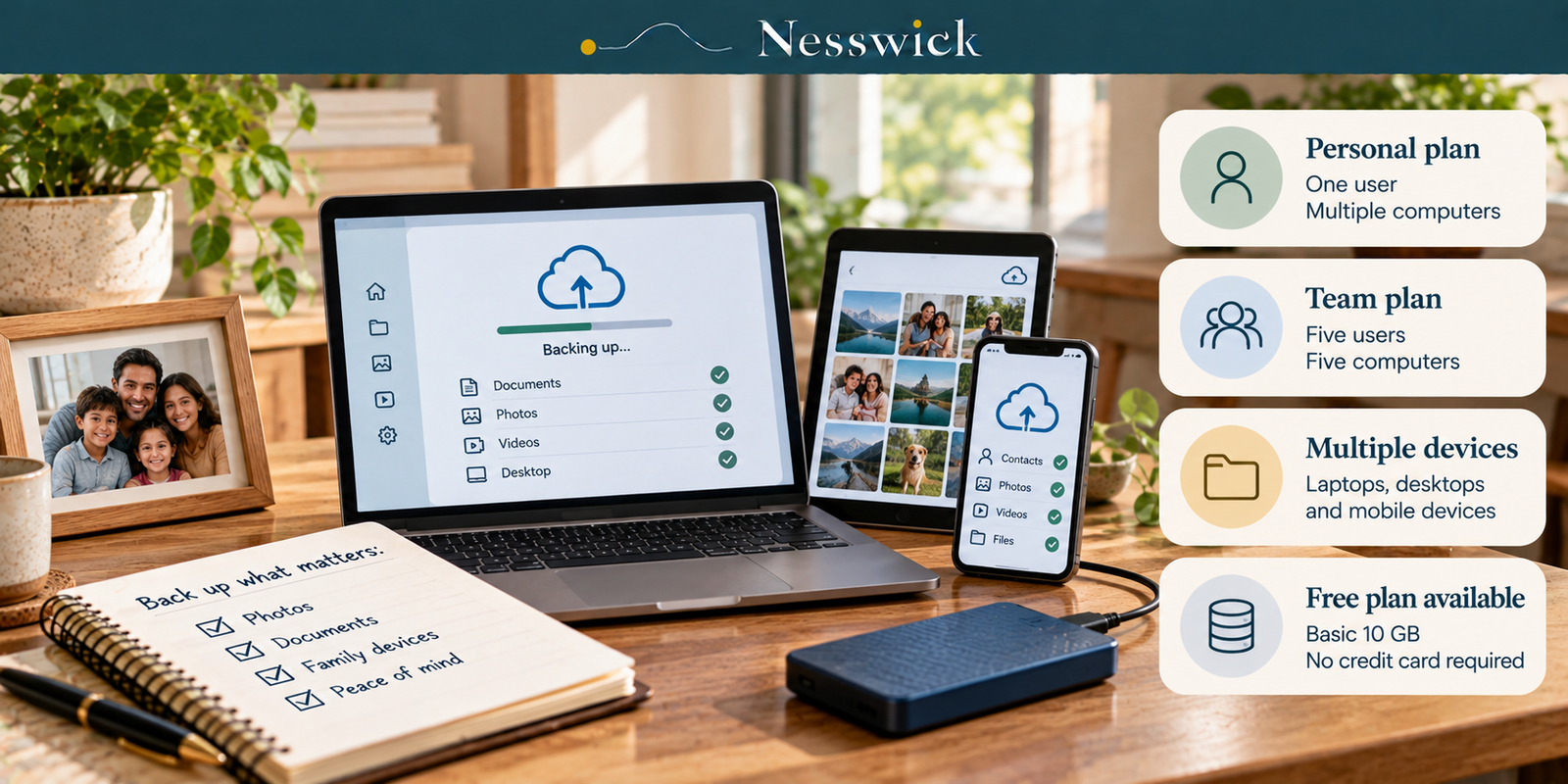
IDrive Review: Personal Is Not the Family Plan
Read Guide →: IDrive Review: Personal Is Not the Family PlanIDrive Personal covers one user across multiple computers. Team covers five users. The advertised $6.99 is a first-year rate. Here…
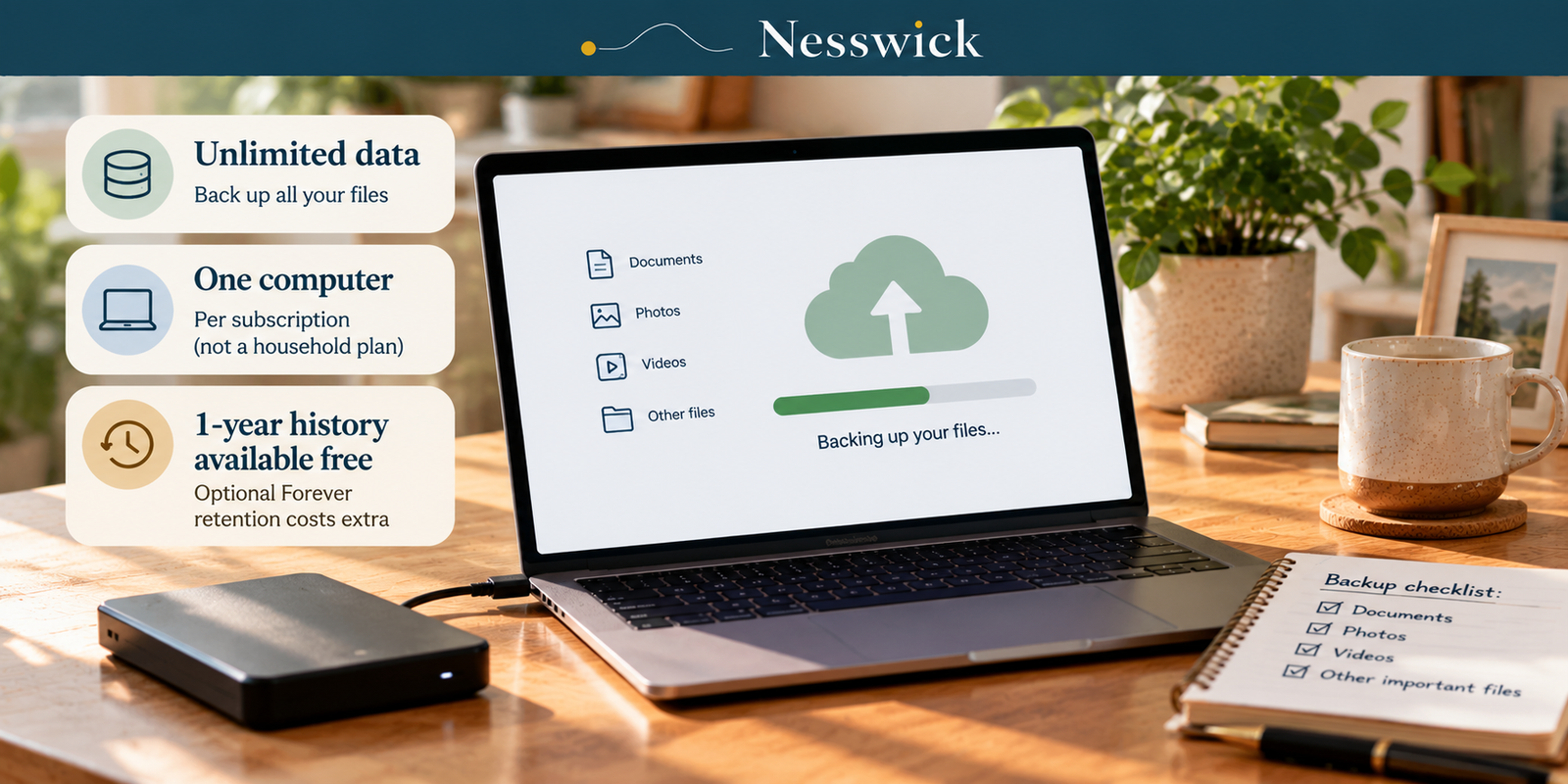
Backblaze Review: Unlimited Data, One Computer
Read Guide →: Backblaze Review: Unlimited Data, One ComputerBackblaze Personal is $99 a year for unlimited data on one computer. Here is what “unlimited” covers, what it leaves…
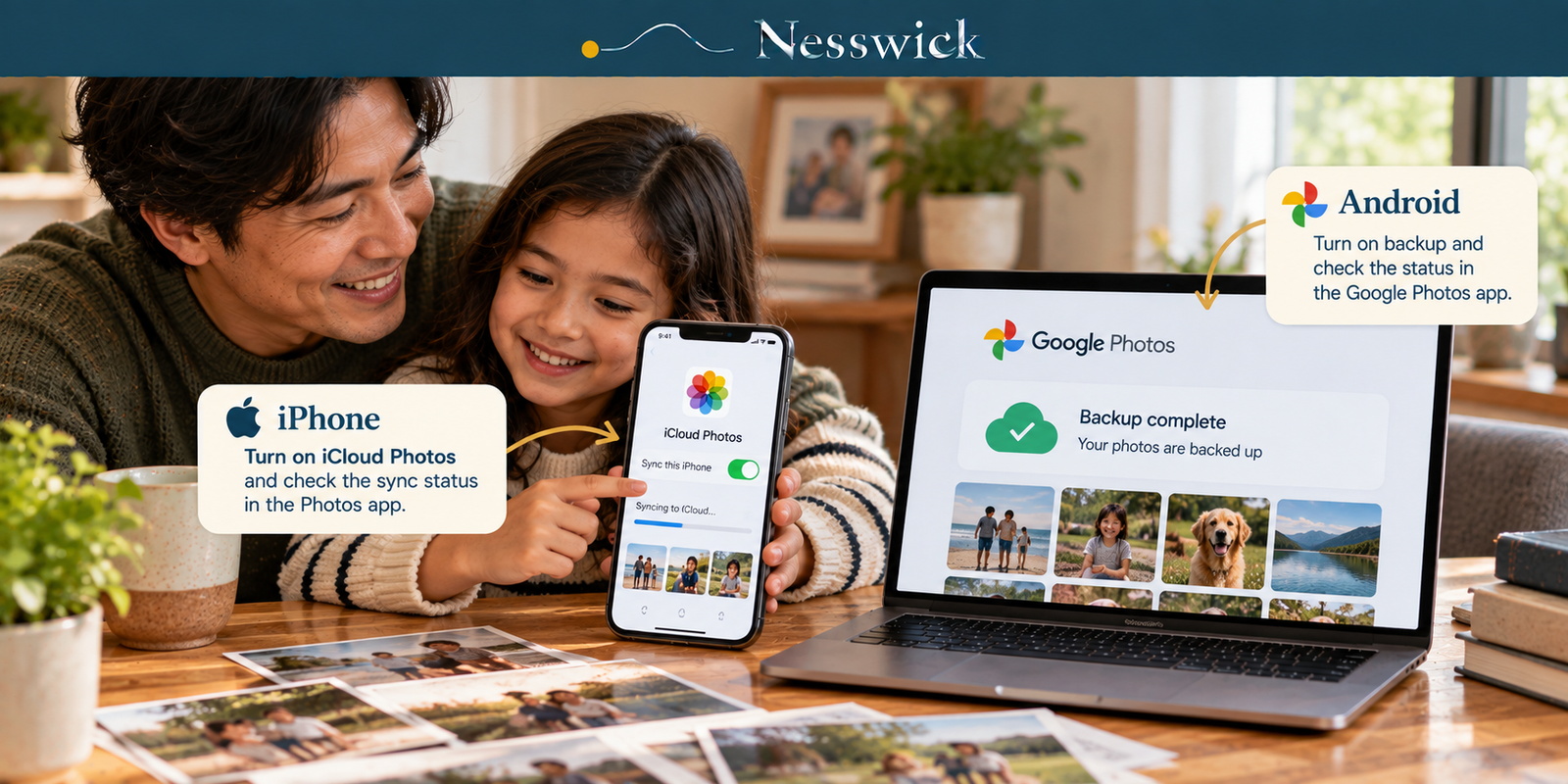
How to Make Family Photos Back Themselves Up
Read Guide →: How to Make Family Photos Back Themselves UpThe failure can be silent: an upload that stopped weeks ago may look normal until you need a photo. Turn…
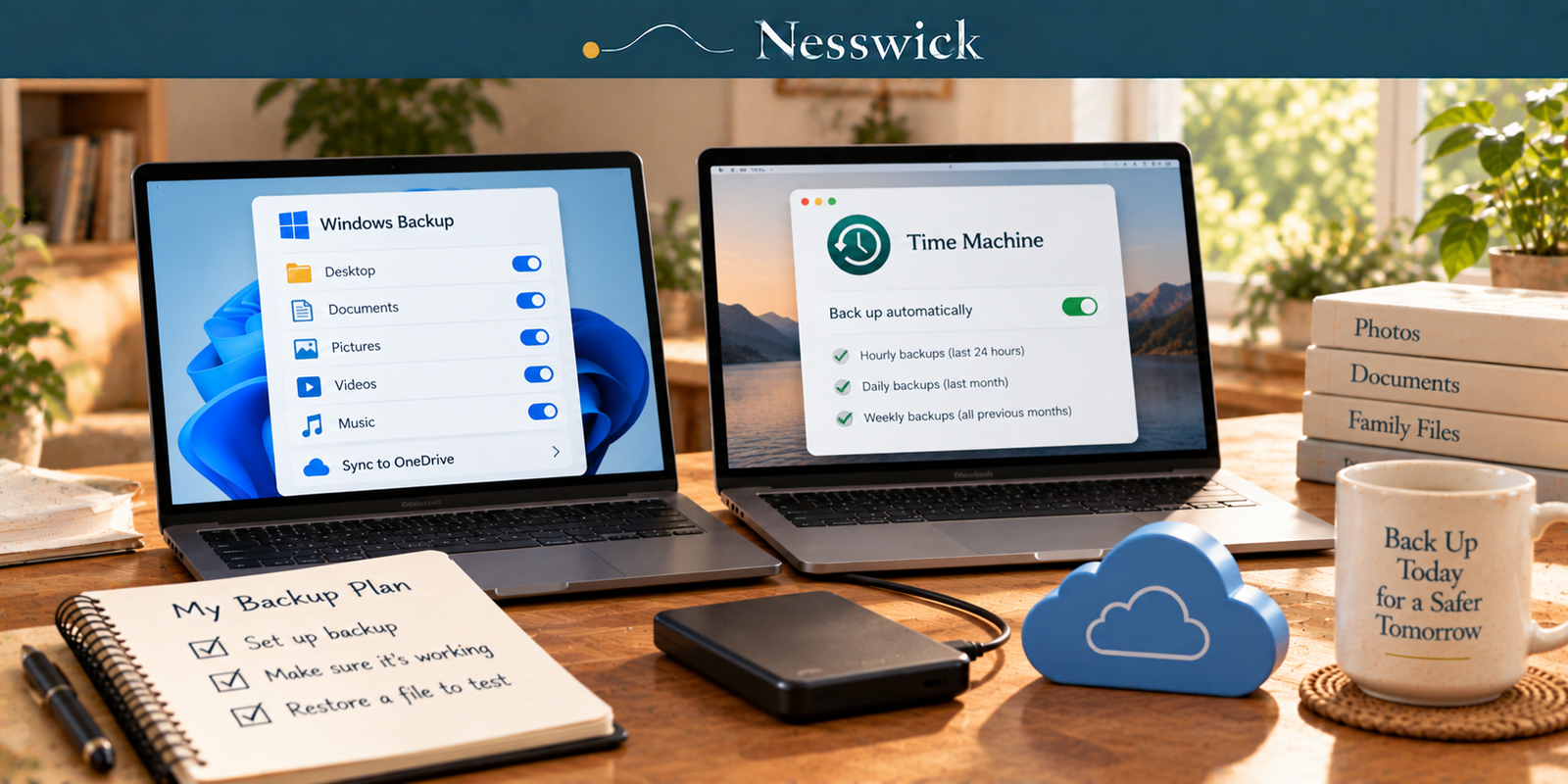
How to Back Up Your Computer
Read Guide →: How to Back Up Your ComputerTwo built-in tools, two different jobs. What each one actually saves, the steps in each vendor’s own words, and the…
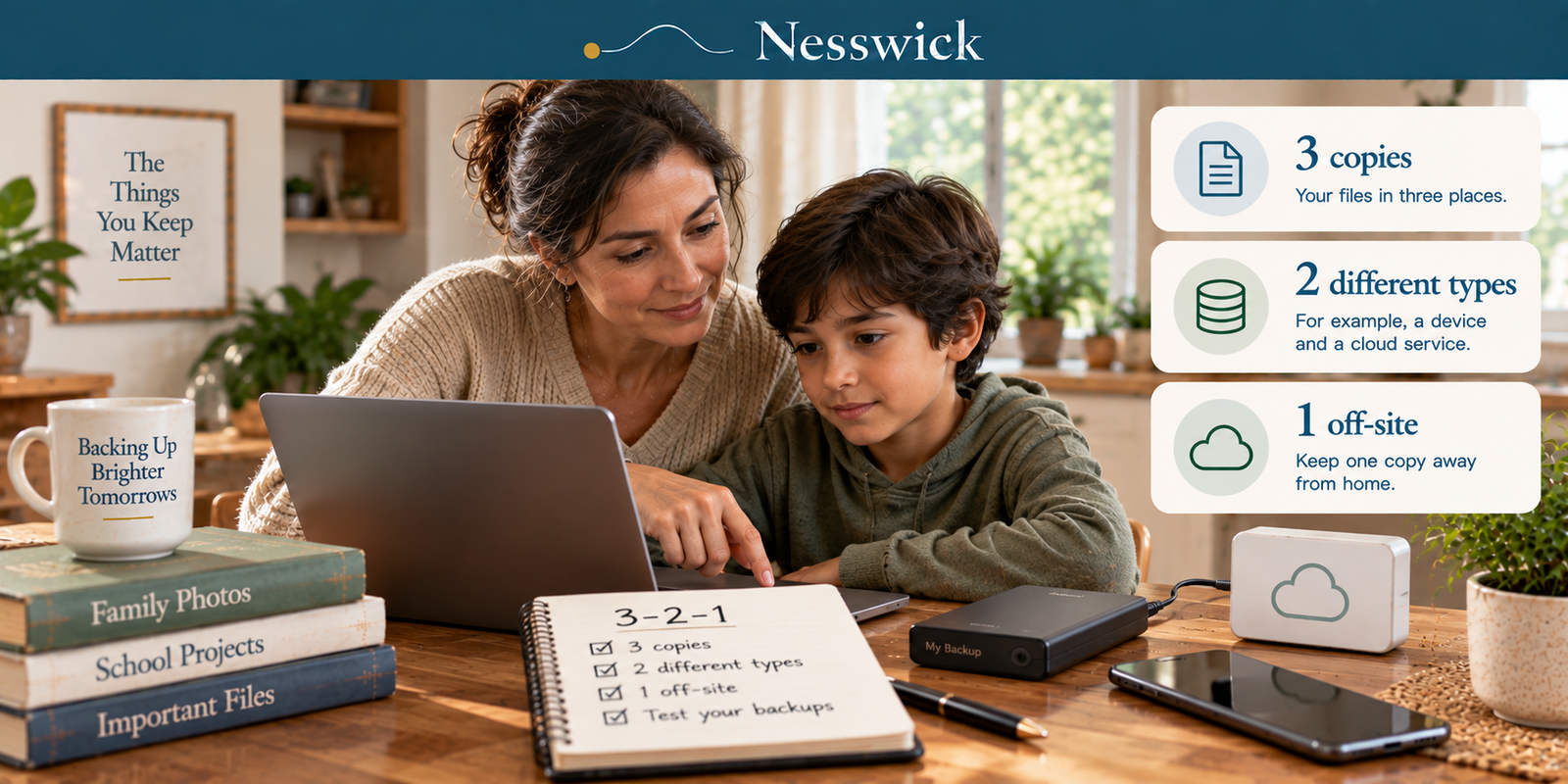
The 3-2-1 Backup Rule, Counted for a Household
Read Guide →: The 3-2-1 Backup Rule, Counted for a HouseholdMost families have one copy and a sync they are calling the second. Apple’s own documentation explains why: photos in…
What this section helps with
- Understand the 3-2-1 backup approach in plain language.
- Set up reliable backups for both phones and computers.
- Reduce the risk of losing family photos and important documents.
- Recognize the added risk ransomware poses to backups that stay constantly connected.
- Build a habit of testing backups instead of assuming they work.
Tools we may cover
This category may cover cloud backup services, local backup software, and external storage options. We describe what these tools generally do and how they differ, without ranking or promoting a specific provider here.
What these tools cannot guarantee
Backup tools reduce the risk of permanent data loss, but they cannot guarantee successful recovery in every situation, including ransomware that targets connected backups, hardware failure, or an interrupted backup cycle.
How Nesswick evaluates this category
Our assessments of backup tools follow the same evidence-based approach described in How We Test and Editorial Policy.
Nesswick Products for Backups
Nesswick currently reviews the following backup services:

pCloud Premium
pCloud Premium offers 500GB of Swiss-based cloud storage with flexible monthly, annual, or one-time lifetime payment options, plus media streaming…

Backblaze Personal Backup
Backblaze Personal Backup offers unlimited, automatic cloud backup for one Mac or PC, with encrypted storage and mailed-drive restores. This…
Not sure where to begin? Start Here.