Explore Nesswick’s practical guides, comparisons, and clear explanations for helping families navigate online privacy, identity protection, passwords, parental controls, scams, and backups.
-
Many roundup pages recommend a free password manager. Across Bitwarden, Keeper and 1Password, no free tier carries emergency access. Here is what a handover actually costs on each.
-
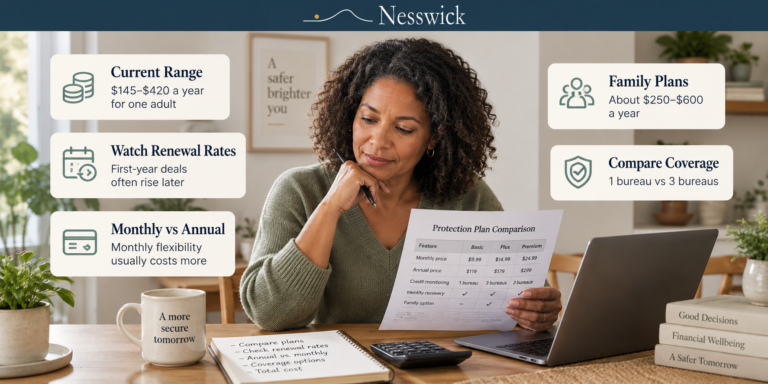
Current US prices for Aura, LifeLock and IdentityForce, with the renewal figures beside the advertised ones. Roughly $145 to $420 a year for one adult, once introductory pricing expires.
-
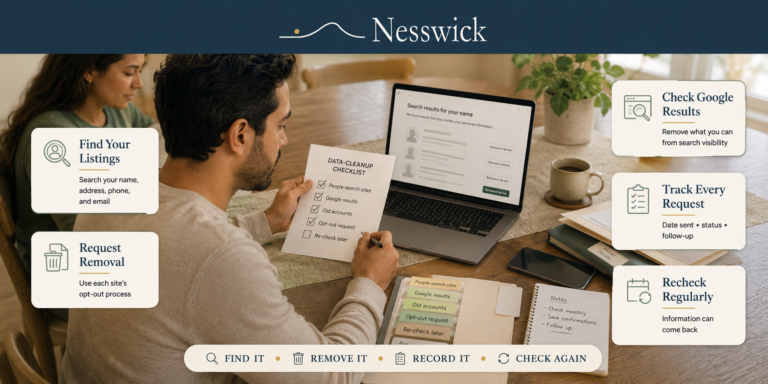
An ordered checklist for clearing your family’s information from the internet, ranked by what actually removes something, with a section on what not to bother with.
-
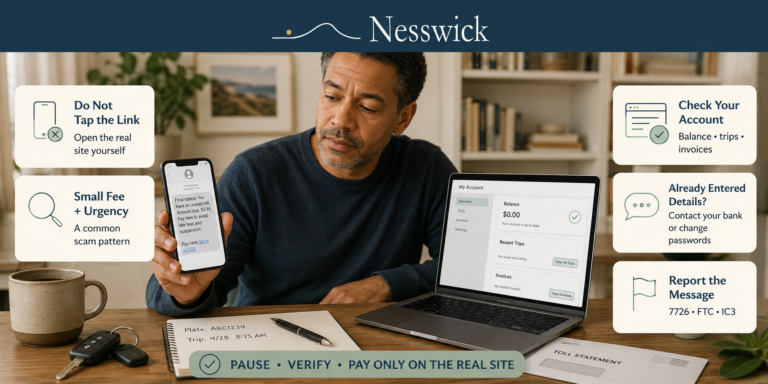
Learn how to spot a fake unpaid toll text, verify independently, and avoid paying through scam links.
-
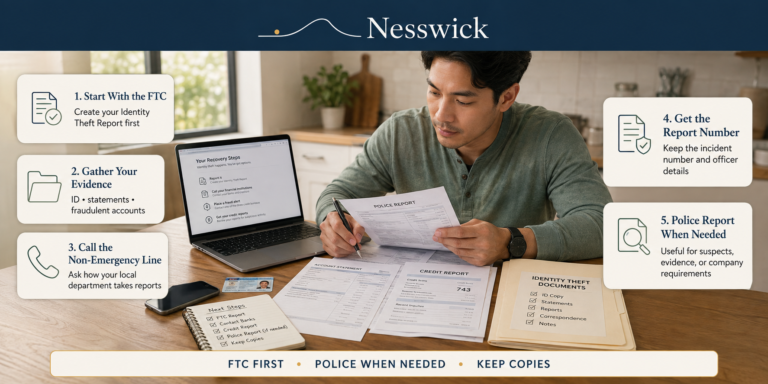
Start free at IdentityTheft.gov. A police report matters in specific situations, and this guide covers when, what to bring, and what to do if police decline.
-
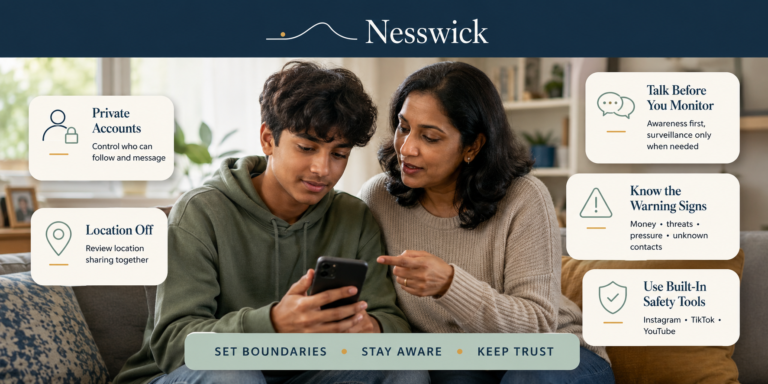
You can check every privacy setting and still feel like something is missing, because settings draw the boundaries but they do not do the talking. What actually keeps teenagers safer on social media over time is a mix of a few agreed-on rules, a light sense of what’s normal for them, and a relationship where…
-
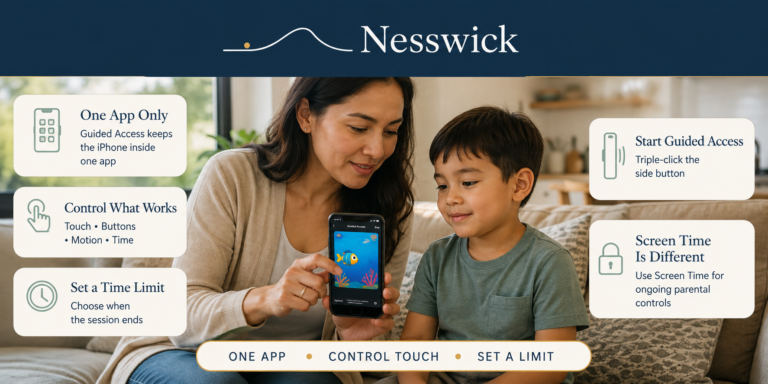
Apple’s free Guided Access locks your iPhone to a single app until you unlock it. Two-minute setup, plus what it cannot do.
-
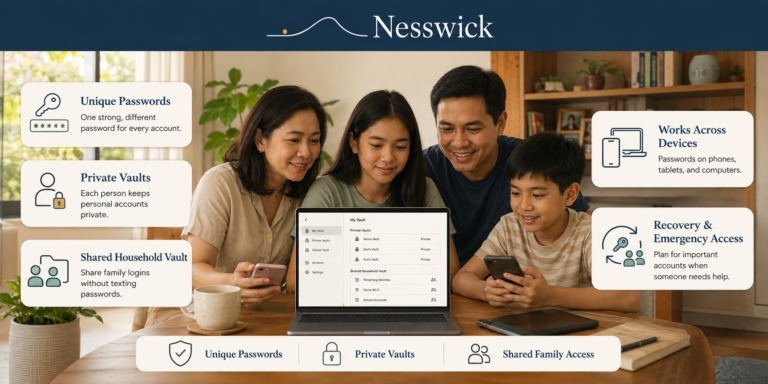
A calm look at what a password manager actually does for a household, from shared logins to emergency access, and what it does not solve.
-
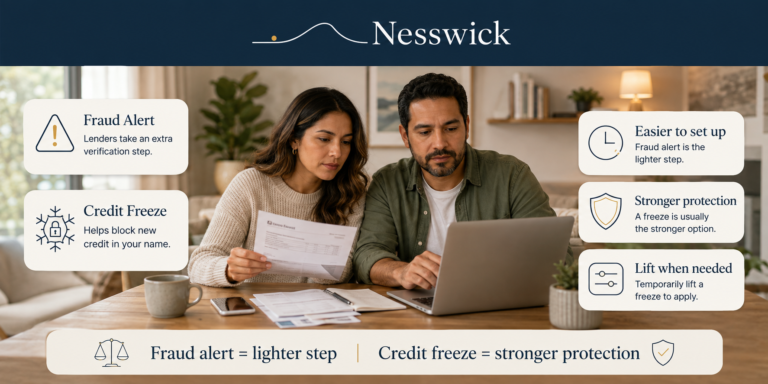
Fraud alerts and credit freezes are both free, and they do different jobs. Here’s what each one does, what neither one protects, and which to use when.
-
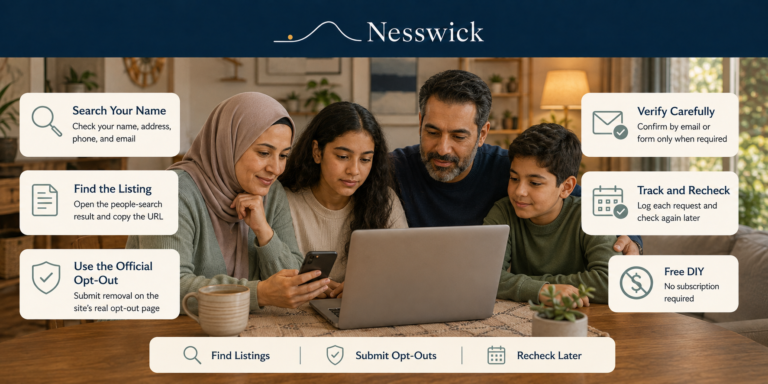
Most people search sites let you opt out for free. Here is the full DIY method, the tracking list that makes it stick, and what opting out cannot remove.
-
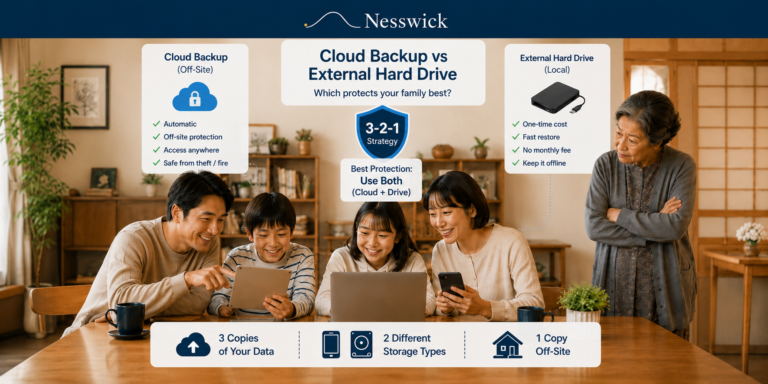
“Should I back up to the cloud, or just buy an external drive?” sounds like a choice between two rivals. In practice the two cover different failures, and the households with the least to worry about are usually the ones running both. This is a method guide, not a product face-off. No brand wins here,…
-
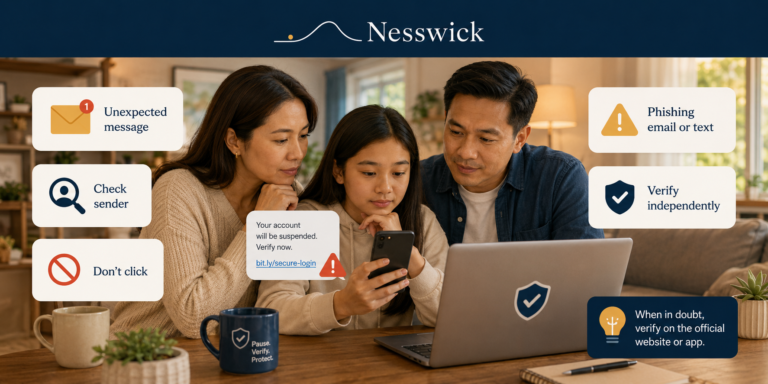
A message lands in your inbox or on your phone. It looks like your bank, a delivery company, a toll authority, or a streaming service. Something needs your attention, and there is a link to sort it out. Most messages like this are ordinary. A few are phishing: attempts to get you to hand over…