Explore Nesswick’s practical guides, comparisons, and clear explanations for helping families navigate online privacy, identity protection, passwords, parental controls, scams, and backups.
-
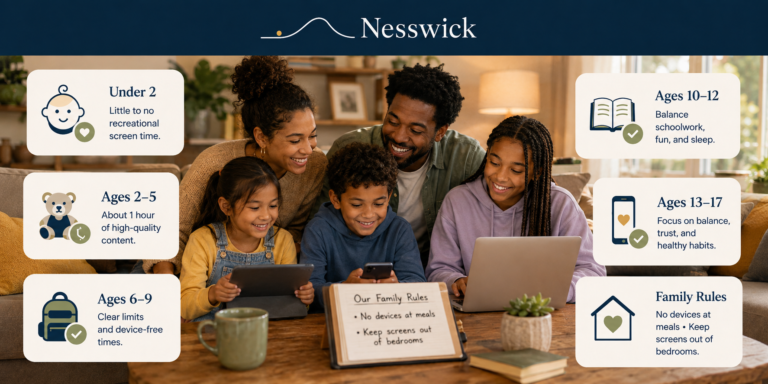
There is no perfect number of screen hours for every child, and official guidance has shifted more than most articles admit. Here is what the AAP, WHO and UK guidance say at each age right now, where the gaps are, and how to turn that into household rules your family can actually keep.
-
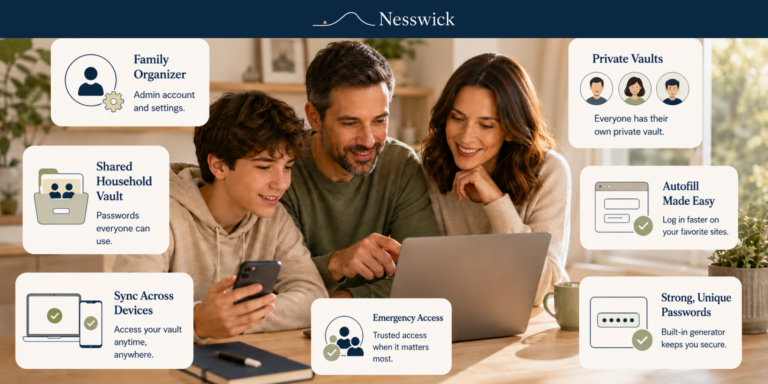
Setting up a family password manager is comfortably an evening’s work. Here is the order to do it in — choosing free or paid, creating the organiser account, adding your family, building the shared vault, and setting up recovery before you need it.
-
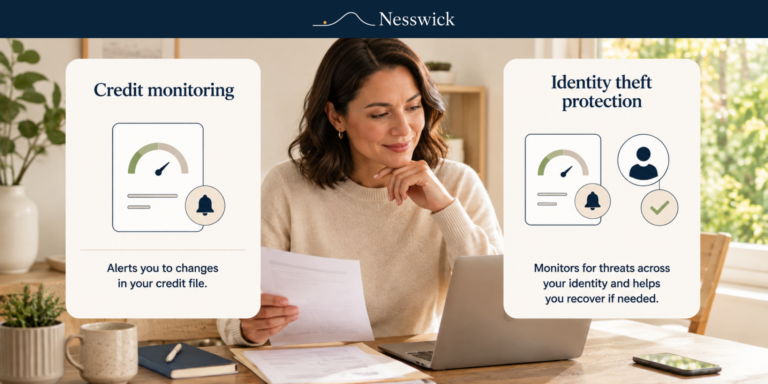
Credit monitoring and identity theft protection are not the same thing. Here is the plain difference, what each one misses, and the free step that sits under both.
-
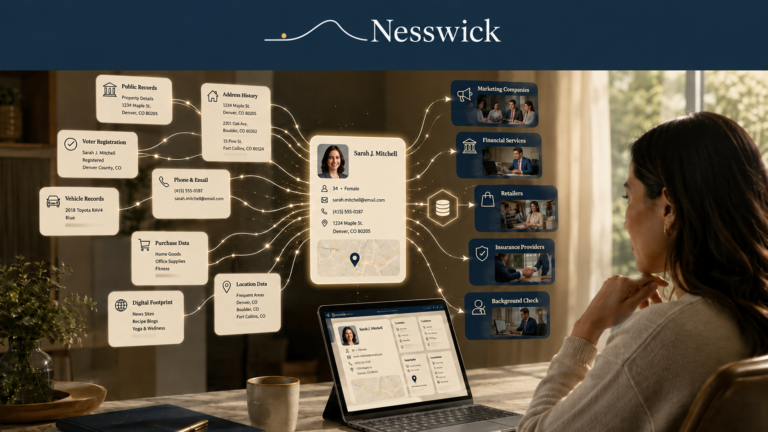
Most people meet data brokers the same unsettling way. They search their own name, and there it is: their age, past addresses, relatives, maybe a phone number, sitting on a site they have never heard of, ready for anyone to look up. It feels like a violation, and understandably so. But it is not magic,…
-
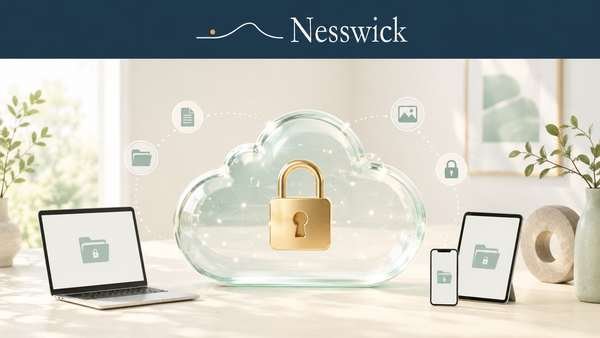
If you want your files to remain private and unreadable even to the storage provider, you need encrypted cloud storage, often described as zero-knowledge storage. This category is filled with strong marketing claims. This guide explains what the encryption means, what it can and cannot protect, and how to choose a privacy-focused service without relying…
-
Family photos are among the most irreplaceable things most households own, and they now live almost entirely on phones. A cracked screen, lost handset, or full storage plan can put years of memories at risk. This guide explains how to keep your family’s photos safe and easy to reach without overspending or assuming that a…
-
Free cloud storage is one of the quiet conveniences of modern life. It holds your documents, keeps your photos within reach on every device, and asks nothing beyond signing up. For a great many people, a free tier is all they need. But one idea is worth getting straight before you decide anything, because misunderstanding…
-
Realizing that you have been scammed can create panic, embarrassment, and an urgent desire to fix everything at once. The order of your response matters. Knowing what to do if you get scammed starts before you file any report: your first priority is to stop additional losses, contact the company that handled the payment, secure…
-
Discovering that an older parent is being targeted by scammers can be frightening. You may notice suspicious calls, unexpected payments, secretive conversations, or a new online contact asking for money. Your first instinct may be to take control immediately. But acting too aggressively can create another problem. If your parent feels embarrassed, judged, or treated…
-
Scams targeting seniors are becoming more convincing. A phone call may appear to come from a bank. A security alert may look like it came from Microsoft or Apple. A caller asking for emergency help may even sound like a family member. These scams do not succeed because older people are careless or incapable. They…
-
When a child gets an iPhone, most parents want the same thing: sensible limits and a bit of peace of mind, without having to buy and learn a separate app. The reassuring news is that the tools to do a great deal of this are already built into the phone, at no cost. They are…
-
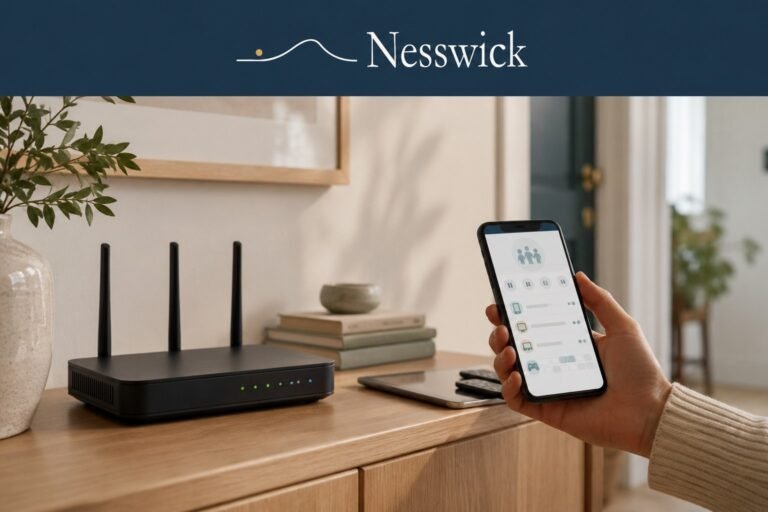
Setting limits device by device works fine until you count the devices: two phones, a tablet, the school laptop, a games console, a smart TV. Some have no parental controls at all, and the smart TV certainly doesn’t care what time it is. Your router is one central place they all pass through, which makes…