
Parental Controls help families set age-appropriate boundaries around devices, apps, and online content, without replacing the conversations that matter most. Built-in tools on phones, tablets, game consoles, and streaming services can filter content, manage screen time, and limit purchases, often at no extra cost. This section focuses on practical, respectful approaches: starting with free built-in settings, understanding what monitoring can and cannot see, and keeping trust at the center of the family relationship. Parental controls work best as one part of a wider approach that includes ongoing conversation and age-appropriate independence, not as a replacement for adult involvement.
Start with the free steps
- Turn on the built-in parental controls already included on your child’s phone, tablet, or console.
- Set age-appropriate content ratings on streaming and app store accounts.
- Agree on screen time limits together rather than only imposing them.
- Review privacy settings on any social apps your child already uses.
- Talk with your child about what to do if they see something upsetting online.
Latest Parental Controls Guides

Talking to Kids About Online Safety, by Age
Read Guide →: Talking to Kids About Online Safety, by AgeChildren decide whether a parent is safe to tell long before there is anything to tell. Here is what makes…

Parental Controls on Game Consoles: What Actually Differs Between Them
Read Guide →: Parental Controls on Game Consoles: What Actually Differs Between ThemThe four jobs are the same on every console. How the three platforms handle them is not — and on…
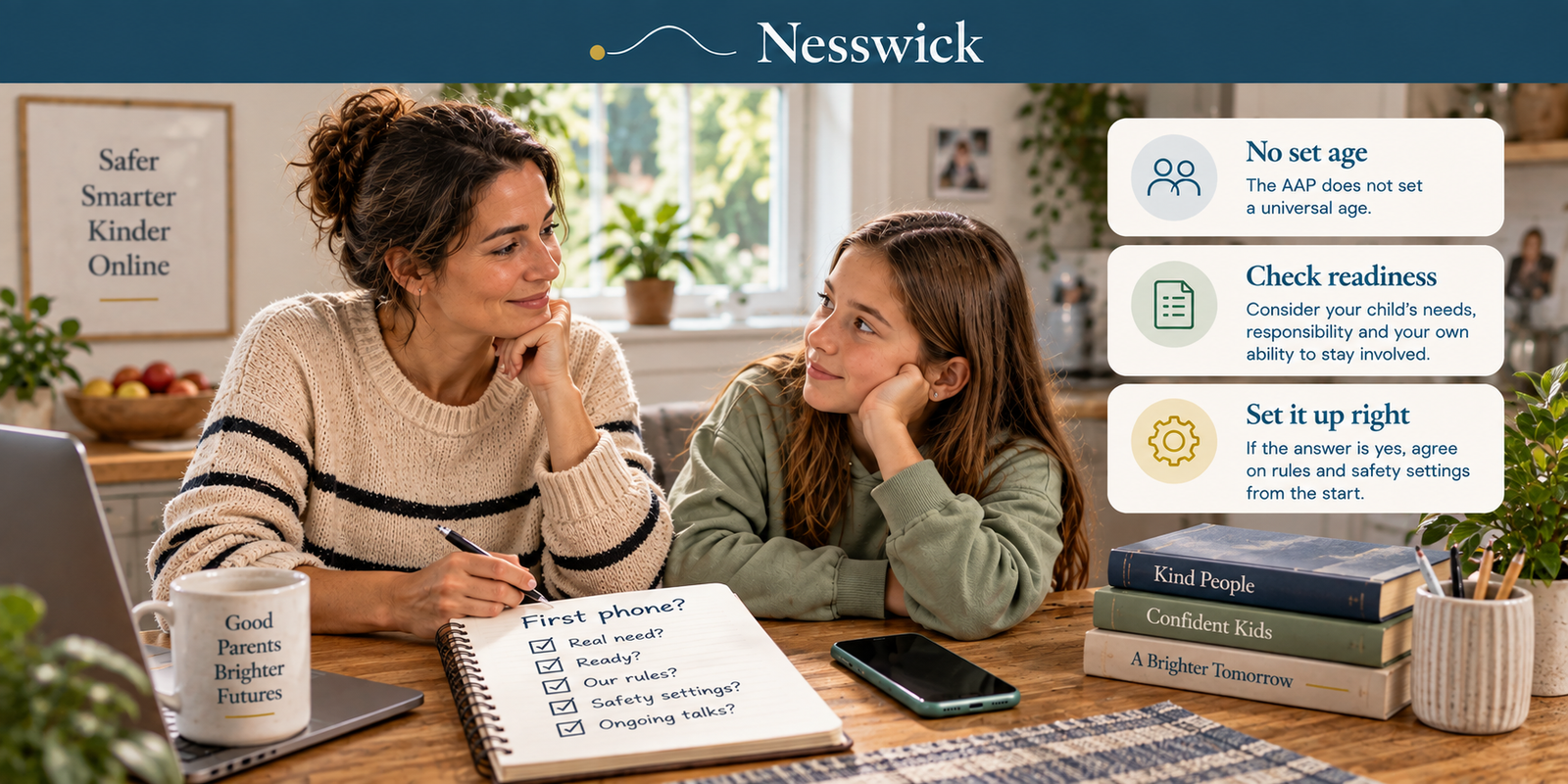
What Age Should a Child Get a Phone? There Is No Number
Read Guide →: What Age Should a Child Get a Phone? There Is No NumberThe American Academy of Pediatrics does not set a universal age for a first phone. Its guidance asks readiness questions…
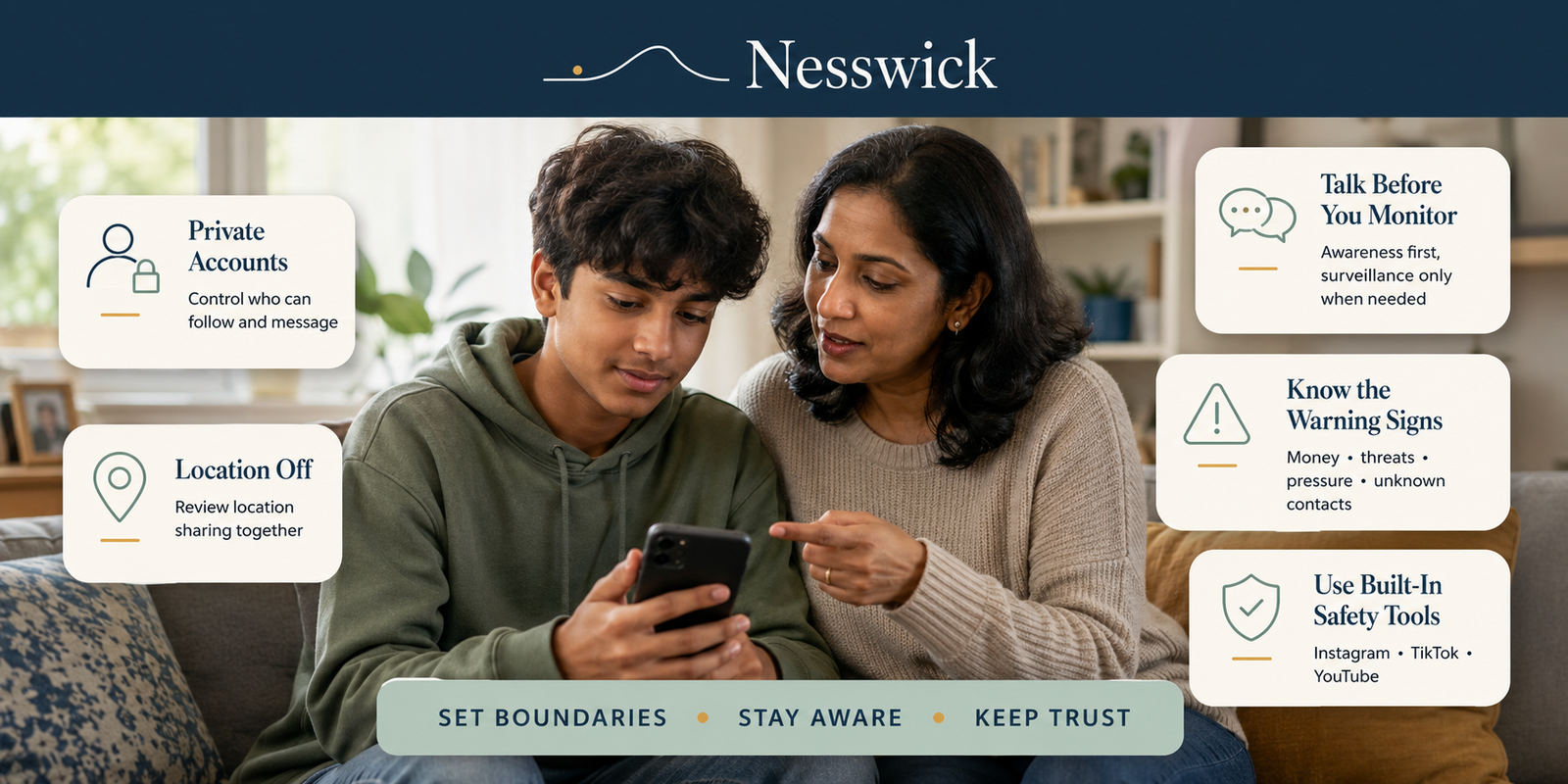
Social Media Safety for Teens: A Practical Guide for Parents
Read Guide →: Social Media Safety for Teens: A Practical Guide for ParentsYou can check every privacy setting and still feel like something is missing, because settings draw the boundaries but they…
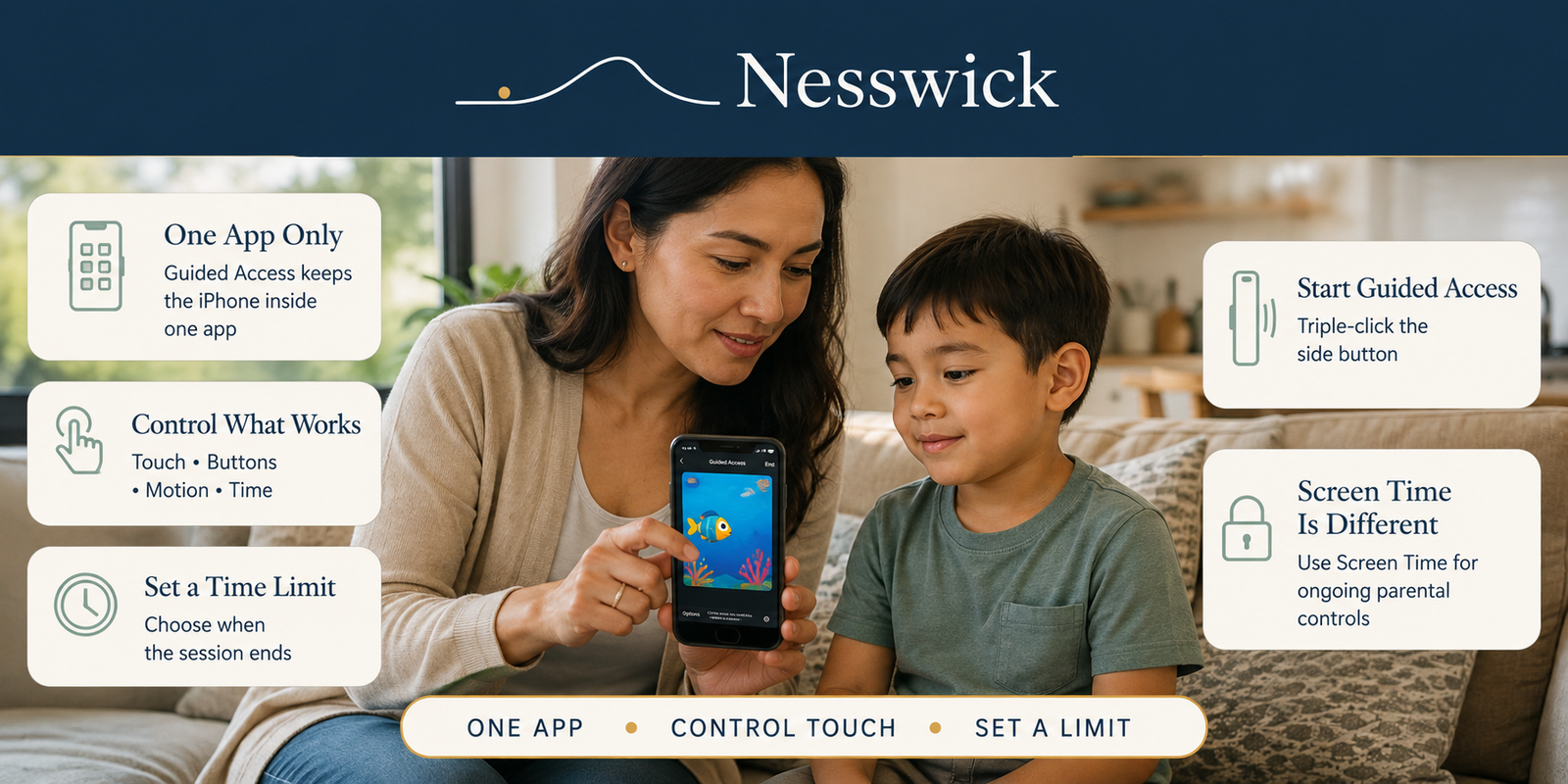
How to Lock the iPhone Screen for Kids with Guided Access
Read Guide →: How to Lock the iPhone Screen for Kids with Guided AccessApple’s free Guided Access locks your iPhone to a single app until you unlock it. Two-minute setup, plus what it…
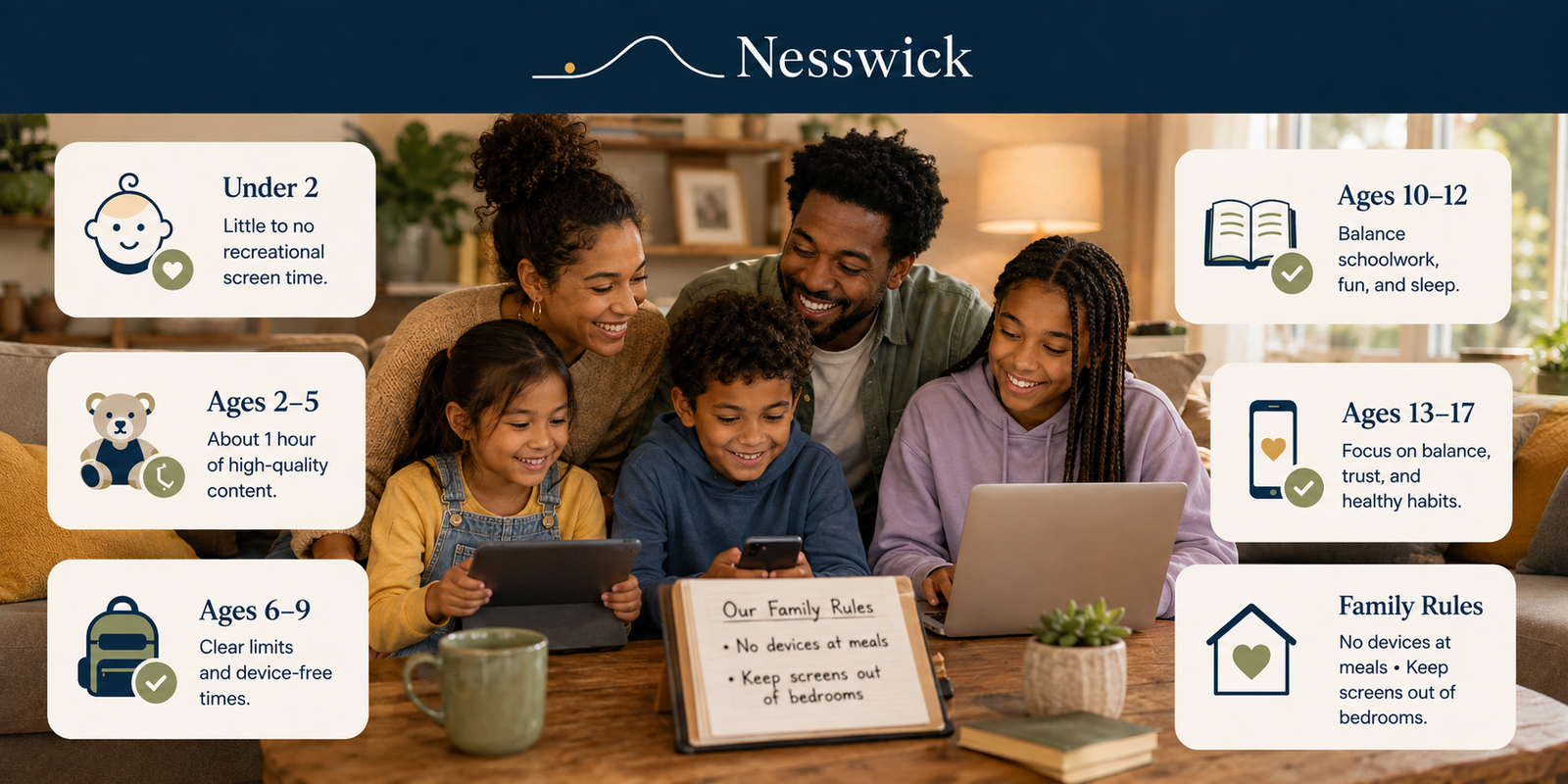
Recommended Screen Time by Age: A Practical Family Guide
Read Guide →: Recommended Screen Time by Age: A Practical Family GuideThere is no perfect number of screen hours for every child, and official guidance has shifted more than most articles…

How to Set Up Parental Controls on an iPhone
Read Guide →: How to Set Up Parental Controls on an iPhoneWhen a child gets an iPhone, most parents want the same thing: sensible limits and a bit of peace of…

How to Set Up Parental Controls on a Home Wi-Fi Router
Read Guide →: How to Set Up Parental Controls on a Home Wi-Fi RouterSetting limits device by device works fine until you count the devices: two phones, a tablet, the school laptop, a…
What this section helps with
- Set up free, built-in device and app controls correctly.
- Understand the difference between content filtering, screen time limits, and monitoring.
- Choose age-appropriate settings as children grow older.
- Balance safety with trust and age-appropriate independence.
- Recognize the limits of any monitoring tool.
Tools we may cover
This category may cover parental-control apps, router-level filtering tools, and built-in device family settings. We describe what these tools generally do and how they differ, without ranking or promoting a specific provider here.
What these tools cannot guarantee
No parental-control tool can monitor everything a child does online, especially across friends’ devices, school accounts, or apps outside the family plan. These tools work best alongside ongoing conversation and are not a substitute for adult involvement.
How Nesswick evaluates this category
Our assessments of parental-control tools follow the same evidence-based approach described in How We Test and Editorial Policy.
Not sure where to begin? Start Here.